News & Updates
Autofix your e2e tests with a predefined prompt
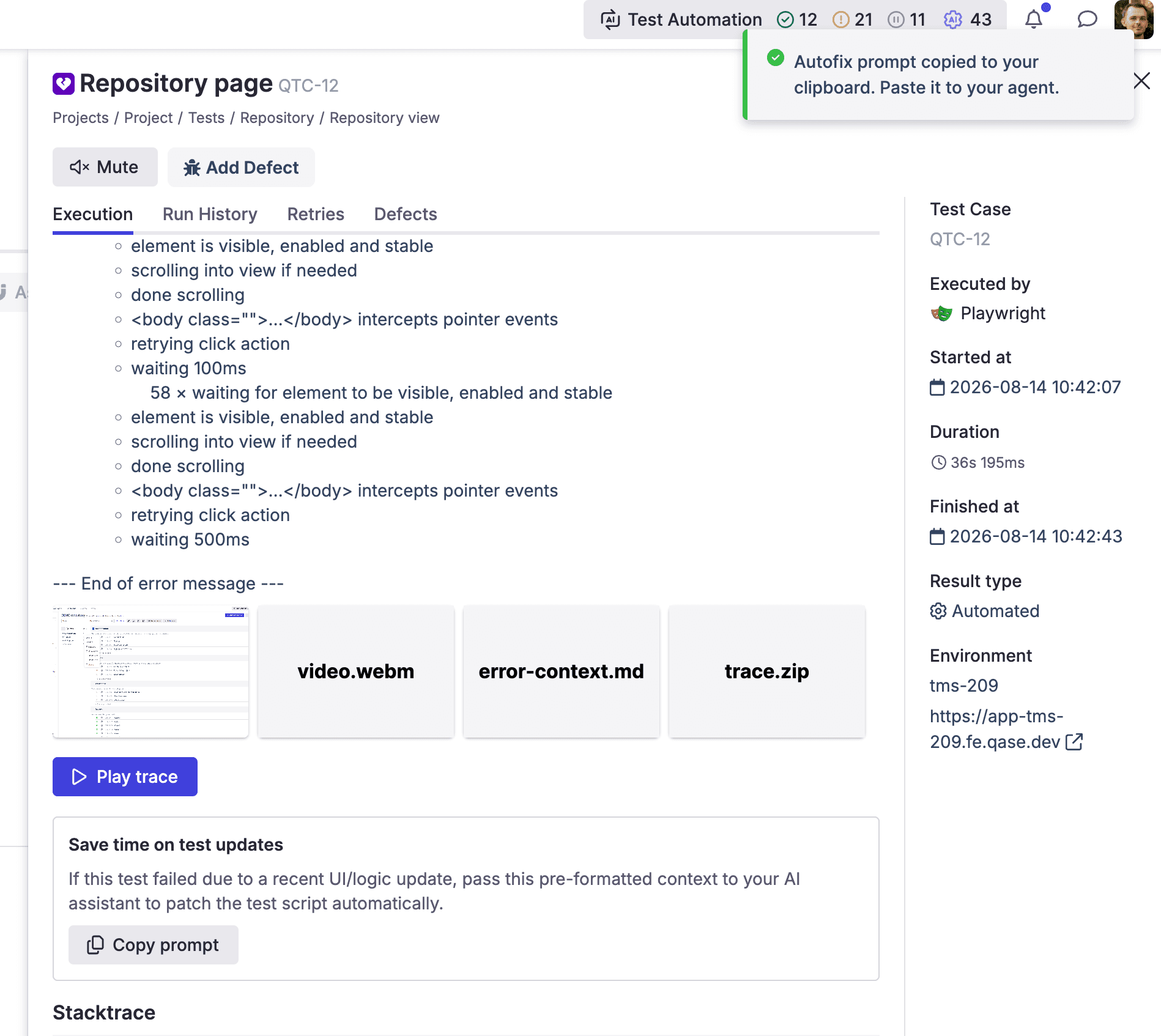
Finding a broken test is the easy part. Qase's Playwright integration now builds the whole fix prompt for you — instructions, the failing file and line, the failing call, and the full stack trace. Copy it, paste it into your agent.

Andrei Vaganov

A few days ago, I shared how you can quickly find out where an error happened using the Playwright Trace Viewer in Qase.
Finding the error is just the first step. Fixing it is another challenge. Honestly, I wish someone else could update or fix the tests for me. And of course, you've all heard about AI agents by now.
And here's the thing: Qase with Playwright integration knows enough to generate the necessary instructions for any agent you use. Just click the button and paste it whenever you want!
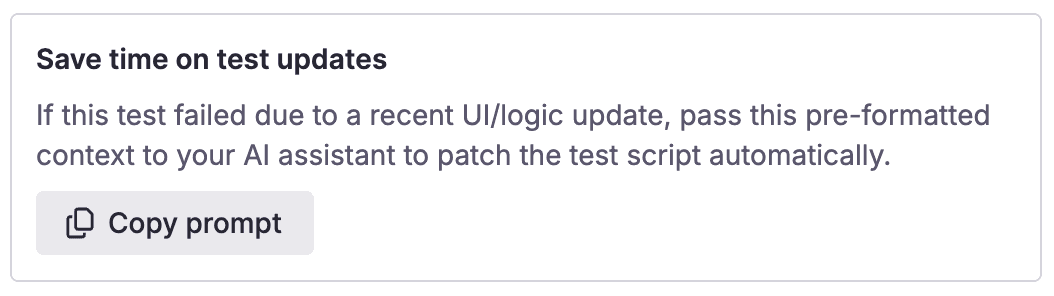
What the prompt already includes
-
Default instructions for fixing the test
# Instructions - Following Playwright test failed. - Explain why, be concise, respect Playwright best practices. - Provide a snippet of code with the fix, if possible. -
The file and line number where the test failed
# Test info - Name: repository-page.spec.ts >> Repository page - Location: Tests/repository-page.spec.ts:48:5 -
Details about the method call where the error happened
101 | await test.step('Verify folder view', async () => { > 102 | await project.viewsBtn.click() | ^ TimeoutError: locator.click: Timeout 30000ms exceeded. 103 | await project.actions.chooseFolderView() -
The complete stack trace and error log
Usually, this information is all you need to solve the problem.
Full picture of how it works
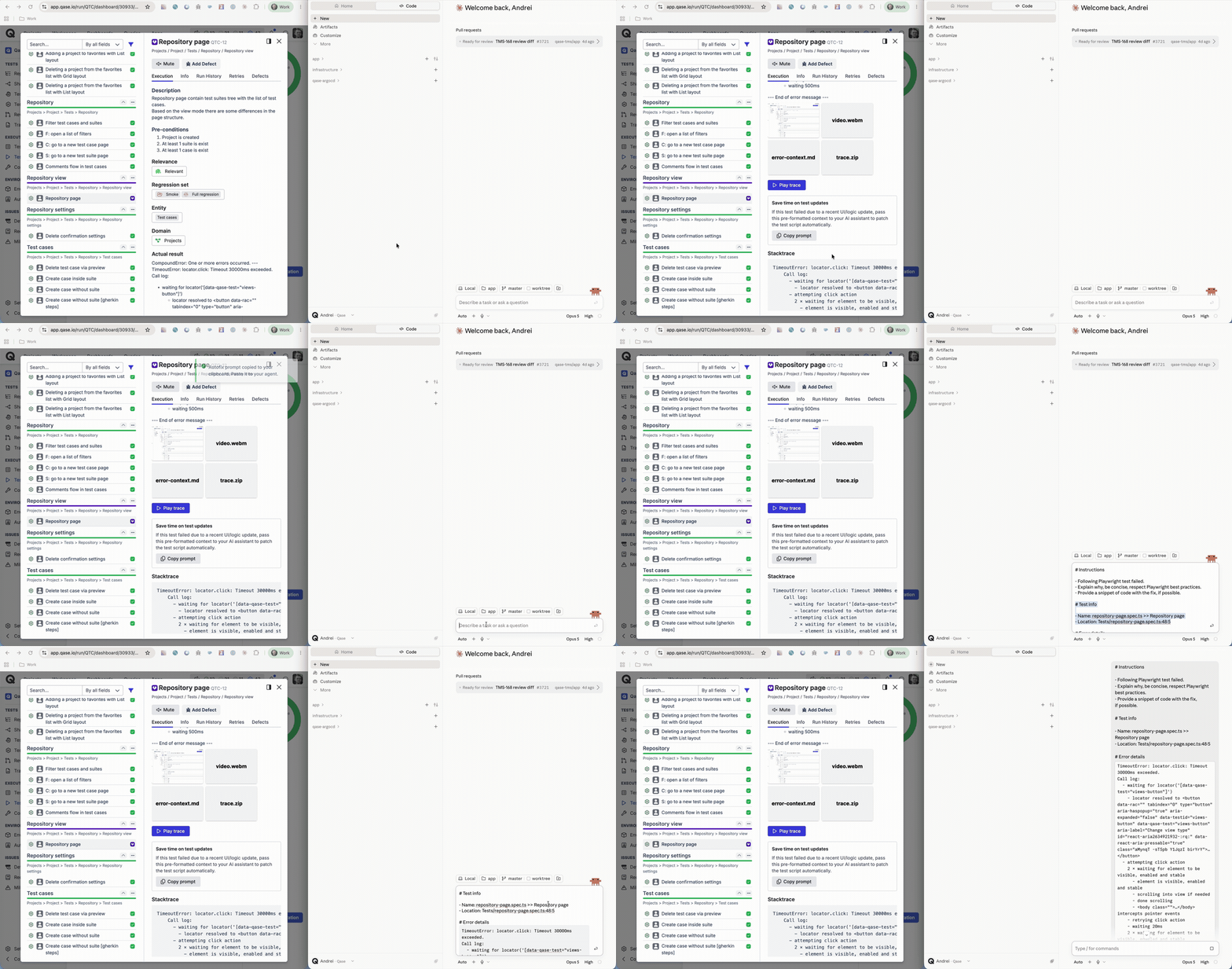
If I change something in the product and a test keeps failing in CI, adding one prompt like this is often enough to update the whole end-to-end test.
Always check the results of your changes, but in my experience, it's often enough already. And of course, you could adjust your prompt before sending it to the agent.