
Join our free walkthrough webinar on August 17th at 10 AM CEST or 11 AM EDT to learn more!
Requirements Traceability Matrix

Know which requirements are tested. Know which aren't.

Coverage gaps stay hidden until something breaks in production. Qase shows you what's covered, what failed, and what has no test at all, straight from the tools your team already uses. No migration, no duplicate entry.

Start trialTalk to sales

No credit card required

Qase requirements traceability matrix report

Integrations

Built from the trackers your team already runs

Qase connects with the issue trackers where your requirements already live. Nothing moves, nothing gets re-entered.

View all integrations
The problem

“Are we good to ship?” gets asked before every release.

The honest answer is usually a guess. Which requirements are covered, which ones aren't, which test ran last week against which version: that information lives in four different places, and nobody has time to reconcile it before the call. A requirements traceability matrix links each requirement to the tests that cover it, their results, and any defects raised, and Qase keeps that link live.

Coverage

See what's covered — and what isn't

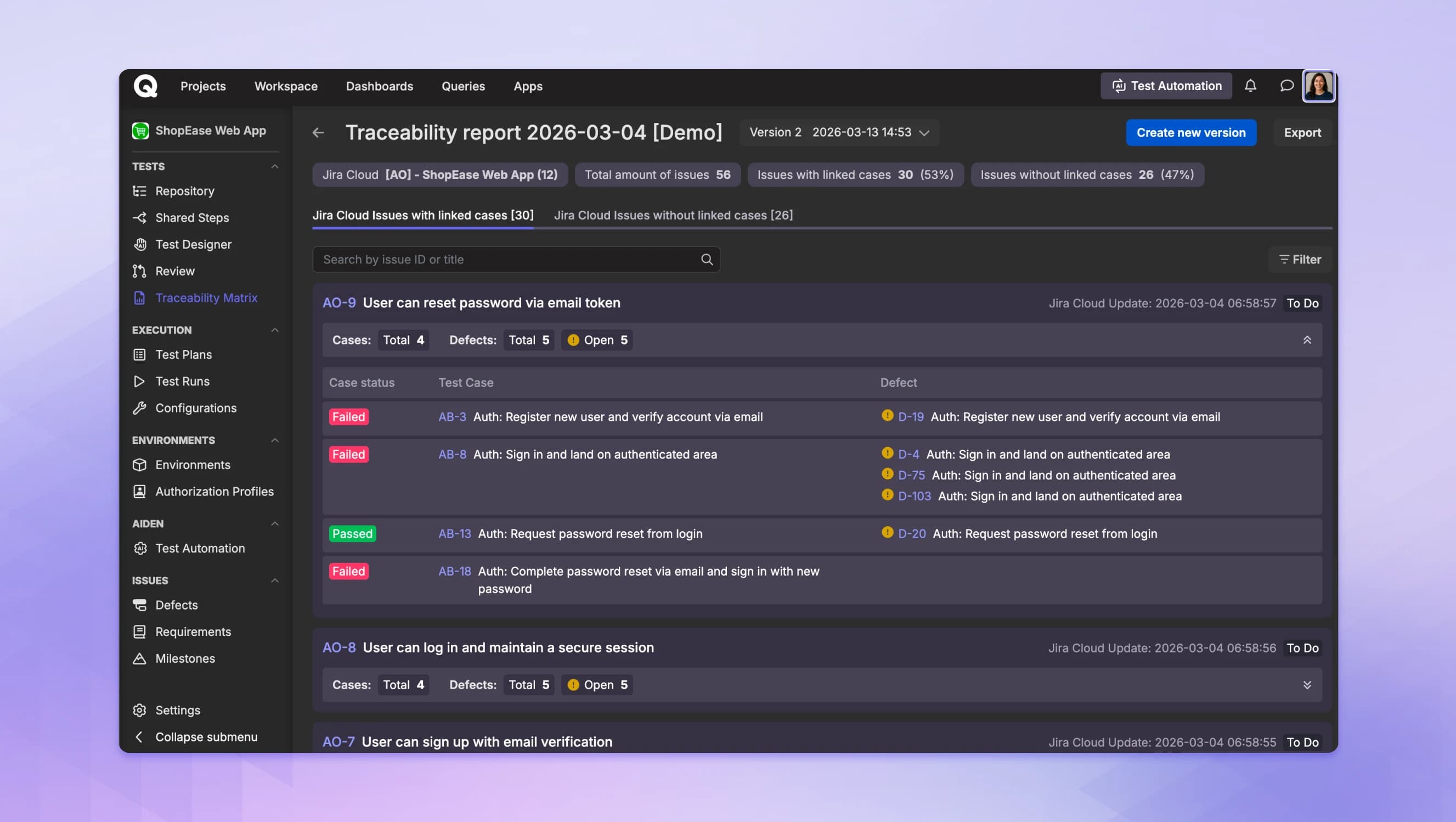
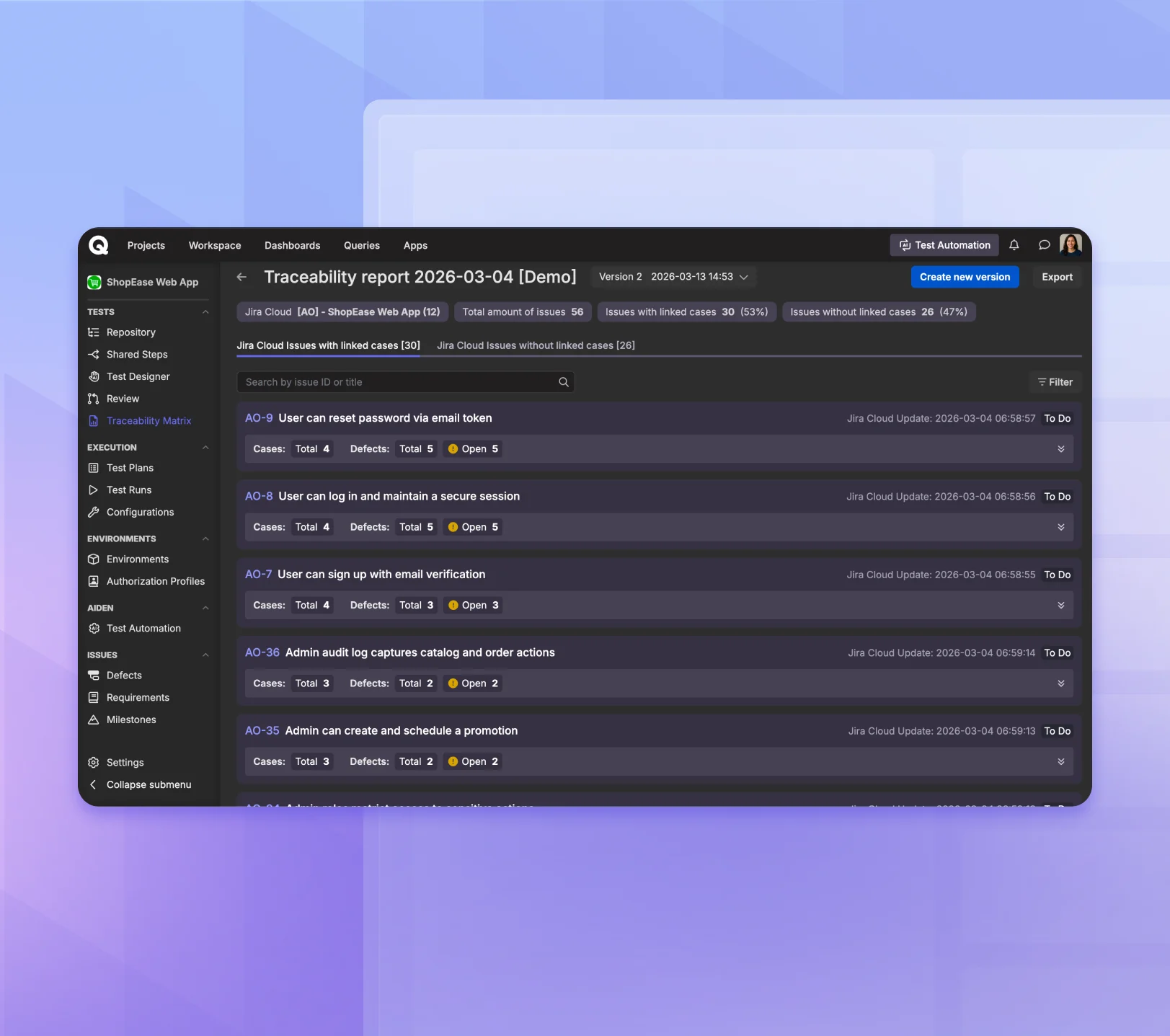
Connect your tracker and Qase reads your requirements and builds the matrix from them. Toggle between requirements with linked cases and those without to find the gaps in one click.

With linked cases: every requirement, its test cases, their status, and any open defects.

Without linked cases: every requirement with no test coverage yet.

Qase requirements traceability matrix showing the issues-with-linked-cases view: each requirement listed with its total cases, total defects, and open-defect count.

More than a coverage view

Once the matrix is live, Qase helps you close the gaps and keep the evidence.

AI test generation

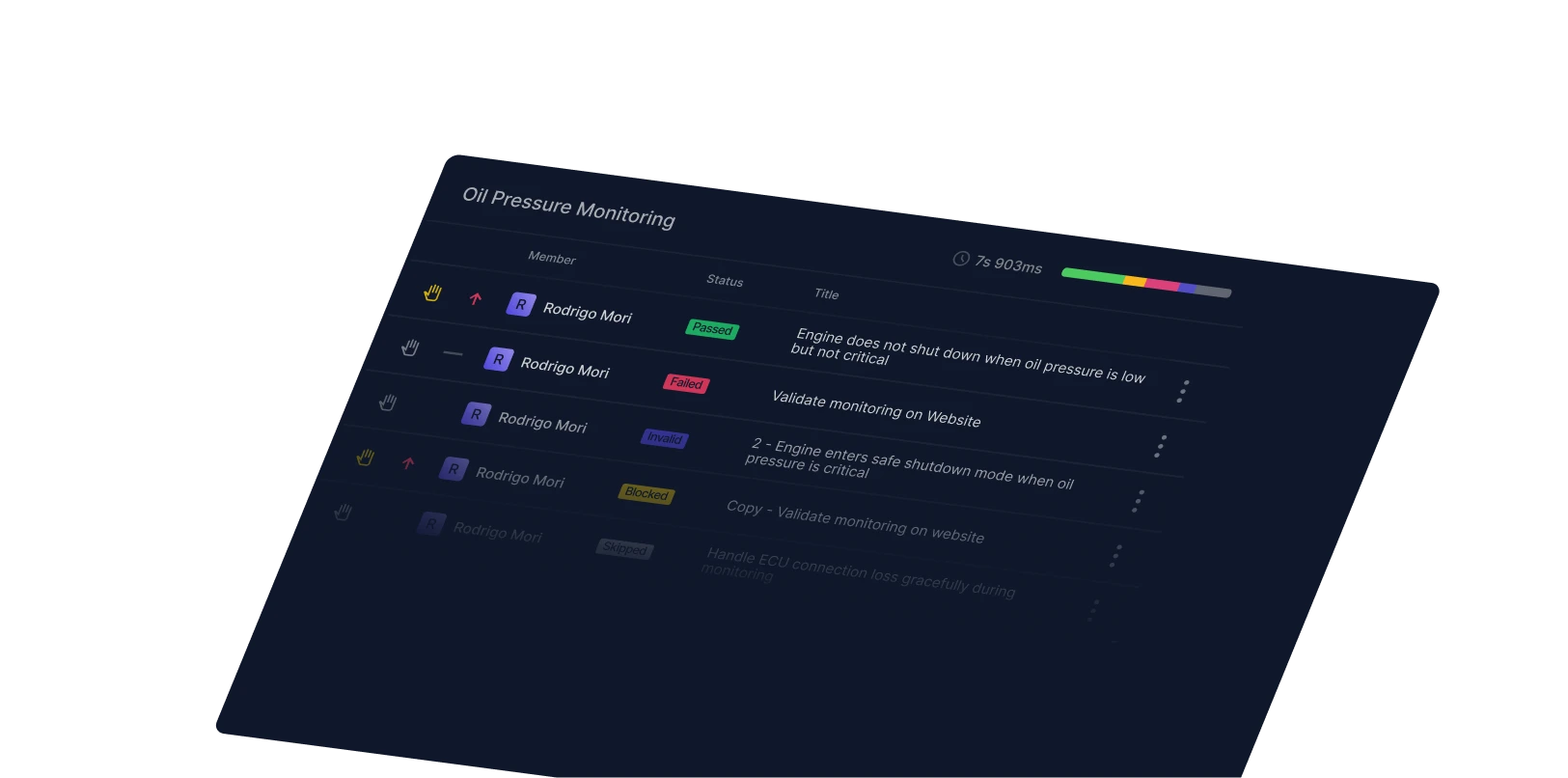
Select an uncovered requirement and Qase suggests test cases from the requirement text. It never runs tests or pushes changes on its own, and role-based access control lets you turn it on or off per role. You review and approve every suggestion before it ships.
Versioned snapshots

Save a matrix at any point and track coverage across releases. Export as CSV or PDF (beta) for audit evidence whenever you need it.

How it works

From connected tool to coverage view

Three steps to set up. After that, the report reflects your test cases and their latest results as your team works.

01

Connect your tracker

Connect Jira, GitHub, or GitLab. Qase reads your requirements and lists them in one place. They stay in the tool you already use.

02

Link cases to requirements

From a test case, link it to the requirement it covers in the case's Properties. Those links are what the matrix is built from.

03

See coverage and gaps

The report shows each requirement with its linked cases, their latest run results, and any defects. Toggle to find the gaps.

The traceability chain your auditor is looking for

SOC 2, DORA, and client security reviews tend to ask a version of the same thing: prove it was tested, show what failed, show what you did about it. Qase builds that record as a byproduct of normal QA work.

Requirement to result

When an auditor pulls one change, the whole chain comes up with it: the requirement, the tests that covered it, the result, and what happened to any defect raised.

Frozen at execution time

Step-level results are captured in the run, not reconstructed from the case. The record reflects what the tester actually saw and did, even if the case is edited later.

Export-ready

PDF (beta) or CSV, at any point in the release cycle. If an auditor asks what coverage looked like on a specific date, the snapshot is already there.

Why teams choose Qase

Requirement-first

The matrix starts from the requirement, not the test case. That's the direction your release manager and auditor think in.

Requirement to defect

Follow each requirement to the tests covering it, their latest results, and any defect they raised, all in one view.

No new tools

Requirements stay in the tools you already use. No migration. No duplicate data entry.

Per-tester pricing

You pay for your QA seats, not every person in the company with a Jira login.

Ship quality software faster with Qase