Test Management
Manual and automated test results in one test run
Teams need both manual and automated testing. Here's how to run both in one Qase test run and sign off a release on one report.

Qase Team

Picture the release meeting. The automation lead says CI is green: 1,840 tests passed and 3 are flaky but known. The QA lead says the manual regression is mostly done, opens a spreadsheet and scrolls to find the two rows marked "blocked." Someone asks whether the new checkout flow was covered by the automated suite, the manual pass, both, or neither. Two people give two different answers, and the meeting runs long.
Both sets of results are accurate. They live in different places, and the release decision needs both. This post covers when you need manual testing, when you need automated testing, and how to put both sets of results in one Qase test run so the release gets signed off on a single report.
Manual vs automated testing: which one do you need?
You need both, for different jobs. Automated tests cover regression testing and anything that should run on every commit or every night. Manual testing covers exploratory testing, usability, new features that are still changing, and checks that are expensive to script, like a payment flow on a real device.
That split holds for most teams. What changes is the ratio. A mature web product might automate 90% of its regression suite and keep a short manual checklist for the release. A mobile team shipping a redesign might be closer to half and half for a few months.
Deciding which tests to automate is its own topic, and we've written about it in To automate or not to automate? The short version is to start with the tests that run most often, matter most, or are painful to do by hand. The rest of this post assumes you've already made that call and now have results coming from two directions.
What goes wrong when results live in two places
The usual setup grows on its own. Automated tests report wherever they run: a CI log, a Playwright HTML report, a JUnit XML artifact. Manual results go in a spreadsheet, or a separate tool, or a Confluence page with a table. Each one makes sense on its own. The trouble shows up at release time.
There's no single pass/fail. CI says the automated suite passed. The spreadsheet says the manual pass has 2 failures and 3 blocked cases. Whether the release is ready depends on someone reading both and deciding which failures matter. That's a judgment call made under time pressure, and it's different every release.
Test coverage gets counted twice, or not at all. If the checkout flow has an automated test and a manual case, and they live in different systems, it's hard to tell they cover the same thing. So the team either tests it twice or assumes the other side has it. The second one is how bugs reach production.
History splits in two. Automated results are per-run artifacts, so they're gone once CI cleans up. Manual results are in this release's spreadsheet tab. Ask "has this area failed before?" and you get two half-answers.
The evidence is scattered. When someone outside QA asks what was tested for version 3.2, the answer is a CI link, a spreadsheet, and a Slack thread explaining how to read them together.
Teams end up here because the two kinds of testing grew up separately, and each setup made sense when it started. Fixing it means sending both kinds of results to the same place.
Setting up one test run for both
The idea is simple. Create one run in Qase that holds the manual cases, then point your automated tests at that run instead of letting them create their own. We covered the CI details in our guide to test automation reporting across multiple CI systems, so this section sticks to what's specific to a mixed run.
1. Create the run with the manual cases in it. In Qase, click Start New Test Run and add the manual cases for the release. You can pick them from the repository, add everything in a test plan, or use a saved QQL query (for example, every manual case tagged release-regression). If your automated tests already map to Qase cases, add those cases too, so the run shows them as untested until CI reports.
Set the environment and milestone while you're there. They make the run easier to find later.
2. Check auto-complete. Qase projects have an Auto complete setting that closes a run as soon as every case has a result. That's fine at the very end, but it can also fire early. Make sure the manual cases are in the run before CI reports. Otherwise the automated results alone can fill every case and close the run before testers start.
3. Point every reporter at the run. Copy the run ID from its URL and pass it to the Qase reporter in CI. With the JavaScript reporters, three environment variables do it:
QASE_TESTOPS_RUN_ID=214 \
QASE_TESTOPS_RUN_COMPLETE=false \
QASE_ROOT_SUITE="Automated" \
npx playwright test
QASE_TESTOPS_RUN_ID sends results to the existing run.
QASE_TESTOPS_RUN_COMPLETE=false matters more than it looks. By default, a reporter completes the run when its tests finish, and a completed run is locked. Without this setting, the first CI job to finish closes the run before a single manual case is done.
If a pipeline uploads JUnit XML with the Qase CLI instead, pass the same run ID with --id and use --suite to name its section:
qasectl testops result upload \
  --project SHOP \
  --token "$QASE_TOKEN" \
  --id 214 \
  --format junit \
  --path results.xml \
  --suite "Automated"
4. Map automated tests to cases. Automated results land on existing cases when the test code names the case ID. In Playwright that's qase.id(42) inside the test, or test(qase(42, "Guest can check out"), ...). The other reporters have their own version. Tests without an ID still report, and Qase can create cases for them, so you don't have to tag the whole suite on day one.
Mapping is what fixes the coverage problem from earlier. When the automated checkout test reports against case 42 and a tester runs the manual case 43 for the same flow, both sit in the same run, and you can see that the flow was tested both ways.
5. Keep the automated results in their own section. QASE_ROOT_SUITE (or --suite on the CLI) puts automated results under a top-level suite, so they don't mix with the manual suites in the run tree. Testers can collapse that section and work through their own cases. If several CI systems report into the run, give each one its own suite name.
Executing the manual cases in the same run
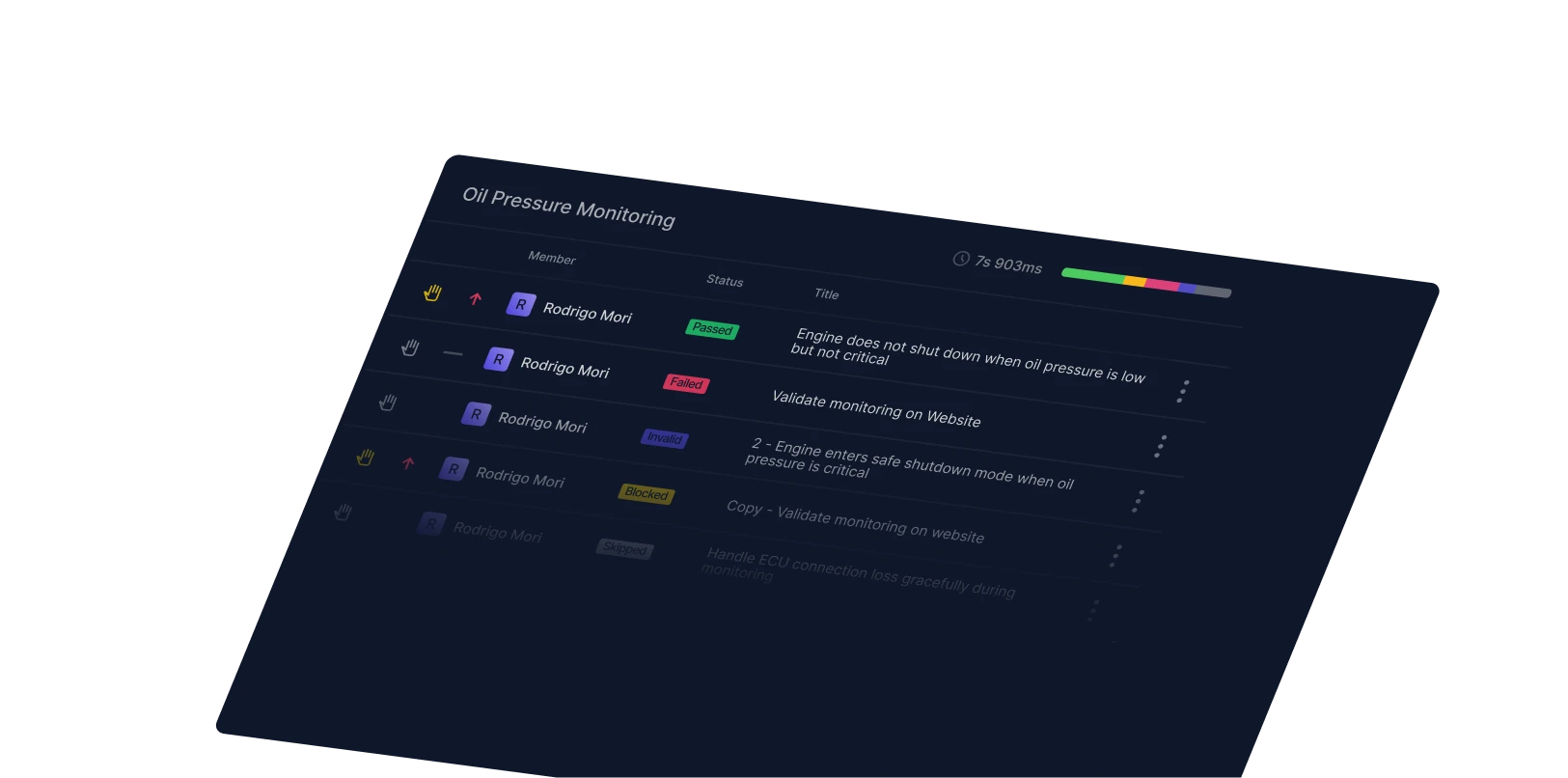
While CI fills in its part of the run, testers work through the manual cases in the same place. Open the run and click a case, or use Open Wizard, and the Test Run Wizard steps through the cases in order. For each one, the tester records a result: Passed, Failed, Blocked, Skipped or Invalid. They can also record results per step, add a comment and attach screenshots or logs. Single-key shortcuts (P, F, B, S, I) speed this up a lot on a long checklist.
A few run features help when several testers share the work:
- Assignees. Cases can go to people or groups, and groups can be split evenly by case count or balanced by estimated time.
- Defects from failures. A failed result starts the defect workflow right in the wizard. If you use Jira or another tracker, the defect can create an issue there or link to an existing one.
- Retests. When a fix lands, push the failed cases back to retest in the same run. The original failure stays in the result history, so you can see what was wrong and when it was fixed.
The automated results show up in the same run as each CI job reports. By the time testers finish, the run usually has both halves.
Release sign-off on one set of results
When the last automated job has reported and the last manual case has a result, complete the run. Qase gives it an overall status: Passed if every case has a positive result, Failed if any case has a negative one. Muted tests are left out of that count, which is useful for known flaky tests you've agreed not to block on. Once the run is completed it's locked, and the status doesn't change.
The run dashboard is now your test execution report:
- pass/fail broken down by suite, with the automated section and each manual area as its own row
- failures with their evidence: screenshots and traces from CI, and attachments and comments from testers
- completion rate and time spent
- every defect filed during the run, with its tracker status
Two more steps make the report useful outside QA. Share report creates a public link for people without a Qase login, such as a product manager or a release manager. And linking the run to the release ticket (in Jira, GitHub, GitLab, Linear or another tracker you've connected) puts the results on the work item where people already look. If you need a file, the run exports to CSV or PDF.
Back in the release meeting, the answer becomes "the run passed with 3 muted tests, here's the link," and everyone looks at the same page.
Further reading: To automate or not to automate? | The software release process | Regression suites | Automated test management in Qase
Related Posts
You might also like