Integration

Connect Azure DevOps & Qase for Clear Test Management Traceability

Link Qase test cases, test runs, and defects with Azure DevOps work items so testing and development teams stay coordinated.


Start trialGet a demo

No credit card required

Connect Azure DevOps & Qase for Clear Test Management Traceability
AsanaBitlyBumbleCrypto.comRakutenSeatGeekSUSEWolt

Bring work item tracking and test results together

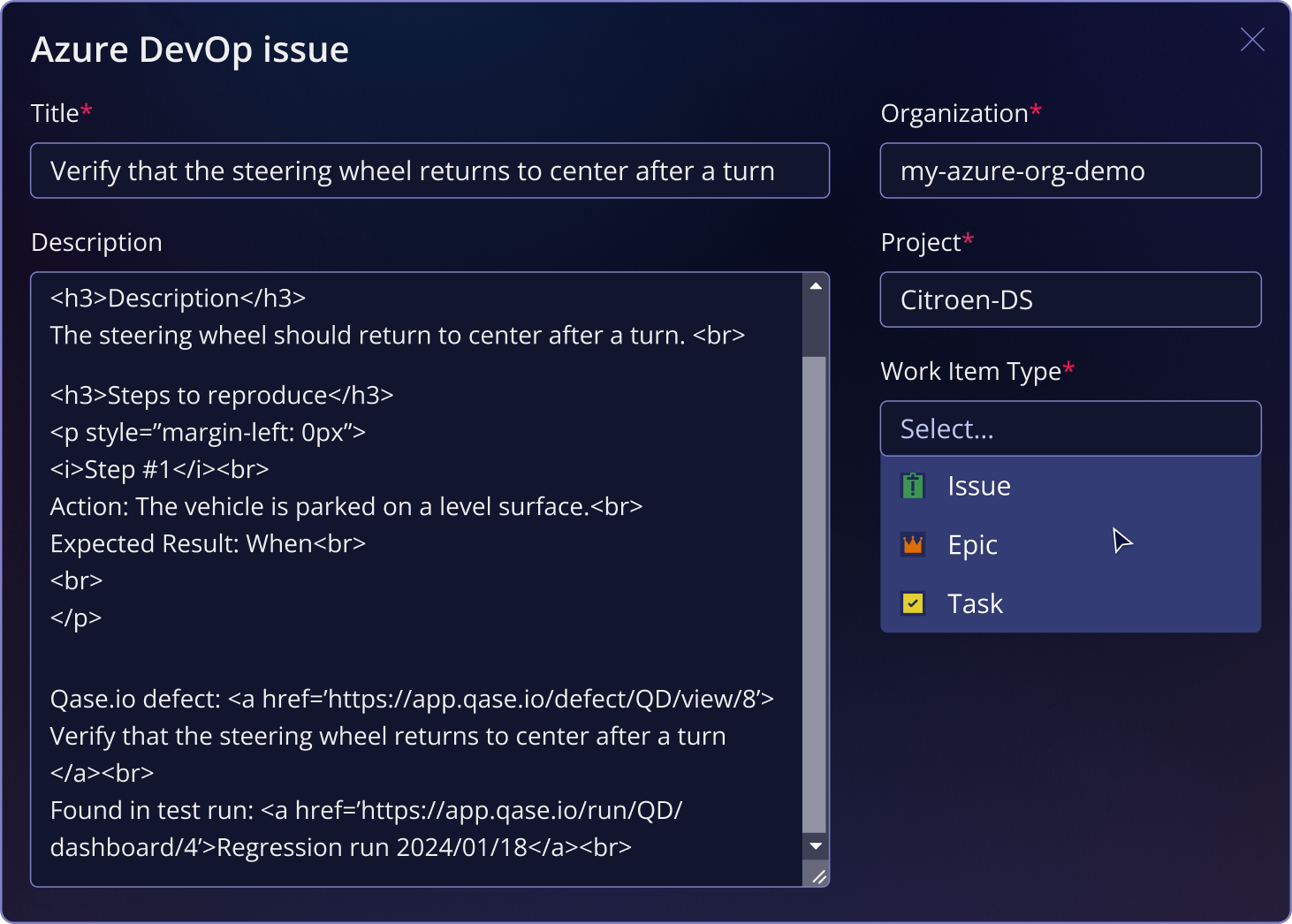
The Qase integration with Azure DevOps lets teams associate test artifacts with Azure DevOps work items and create work items directly from failed tests. Linked defects keep status aligned between Qase and Azure DevOps, helping QA and engineering share up-to-date quality insights without switching between systems.

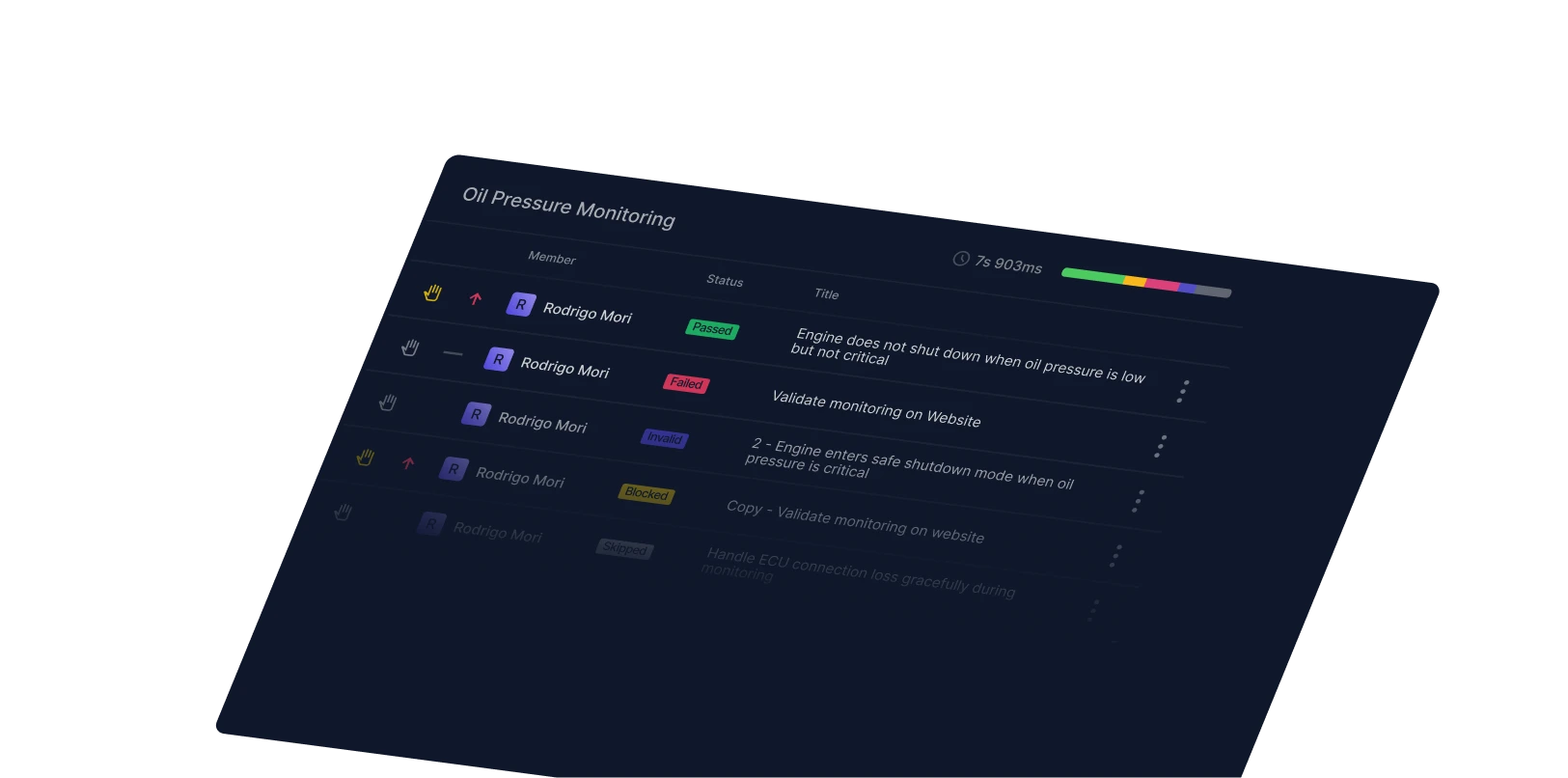
Qase Screenshot - Control System

What You Can Do with Azure DevOps + Qase

Qase Screenshot: Pytest code snippet

Why teams trust Qase

Qase’s Azure DevOps Defect Integration Is a Huge Win

Paul Joshua C.

Software QA Engineer, Information Technology and Services, Mid-Market (51-1000 emp.)

View case study →

Another best thing is integration with DevOps Azure. You can create a bug straightaway from Qase to Azure Board.

Verified User in Hospital & Health Care

View case study →

The most helpful feature of Qase is its defect integration with Azure DevOps and other bug management tools

Paul Joshua C.

Software QA Engineer, Information Technology and Services, Mid-Market (51-1000 emp.)

View case study →

How it works

Loved by small and enterprise customers

Winter 2026 Leader
Fastest Implementation
Best Relationship Mid-Market
Users Love Us
Best Usability

FAQs

Yes. You can attach an Azure DevOps work item to a Qase test case using the “Link with Apps” option in the test case properties.Yes. All linked test cases and runs are visible in Jira. You can link or unlink Jira issues from Qase and vice versa.
Yes. On the Run Dashboard, you can select Azure DevOps under “External Issues” to link a work item to a test run.
Yes, use the “External Issues” selector on the Defect Dashboard to link an Azure DevOps work item to a defect.
Yes. When a test case is marked failed/blocked/invalid during a test run, you can choose Azure DevOps from the integration dropdown to either create a new work item or link an existing one.
Yes. After linking a Qase defect with an Azure DevOps work item, changes to the defect’s status will sync to the work item status and vice versa.

Ship quality software faster with Qase