Leadership is asking questions you can't answer
How many test cases do we have? What percentage are automated? What's the coverage trend? If those questions require manual counting, the answers are always out of date.
Pass rates, coverage gaps, automation ratios, and requirements coverage in one place. Engineering teams can answer “are we good to ship?” with data, not a status meeting.
If QA data can't answer leadership questions, it isn't reporting. It's record-keeping.
How many test cases do we have? What percentage are automated? What's the coverage trend? If those questions require manual counting, the answers are always out of date.
CI pipelines show automation output. Spreadsheets track manual runs. Issue trackers hold the defects. Nobody has the full picture at once.
When something breaks in production, the question is always the same: what was tested, and what wasn't? Without traceability, that answer doesn't exist.
Automation ratio, velocity, flaky test count. If those numbers live in someone's head or a quarterly slide, they aren't metrics.
Someone manually compiles the sprint-end QA summary. It takes hours. By the time it's done, some of it is already stale.
PMs, engineering directors, external clients. If they don't have an account, they're excluded from the data.
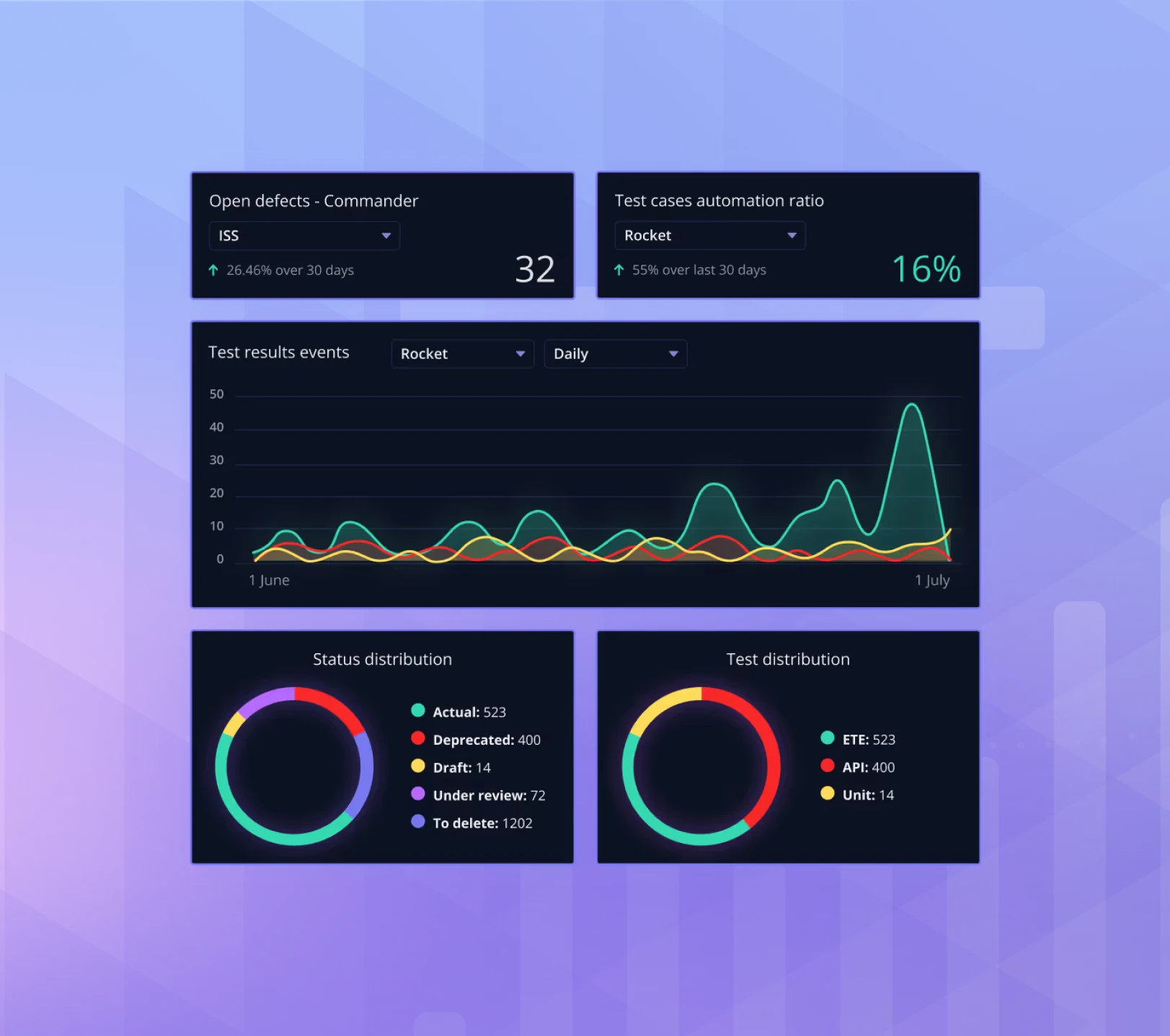
Build dashboards for individual projects or across your whole workspace. Choose from five widget types: single values, timed values, distribution charts, time series, and QQL tables. Share via a public link; external stakeholders get a live view without needing a Qase account.
Compare automation ratios across products. Track defect trends over time.
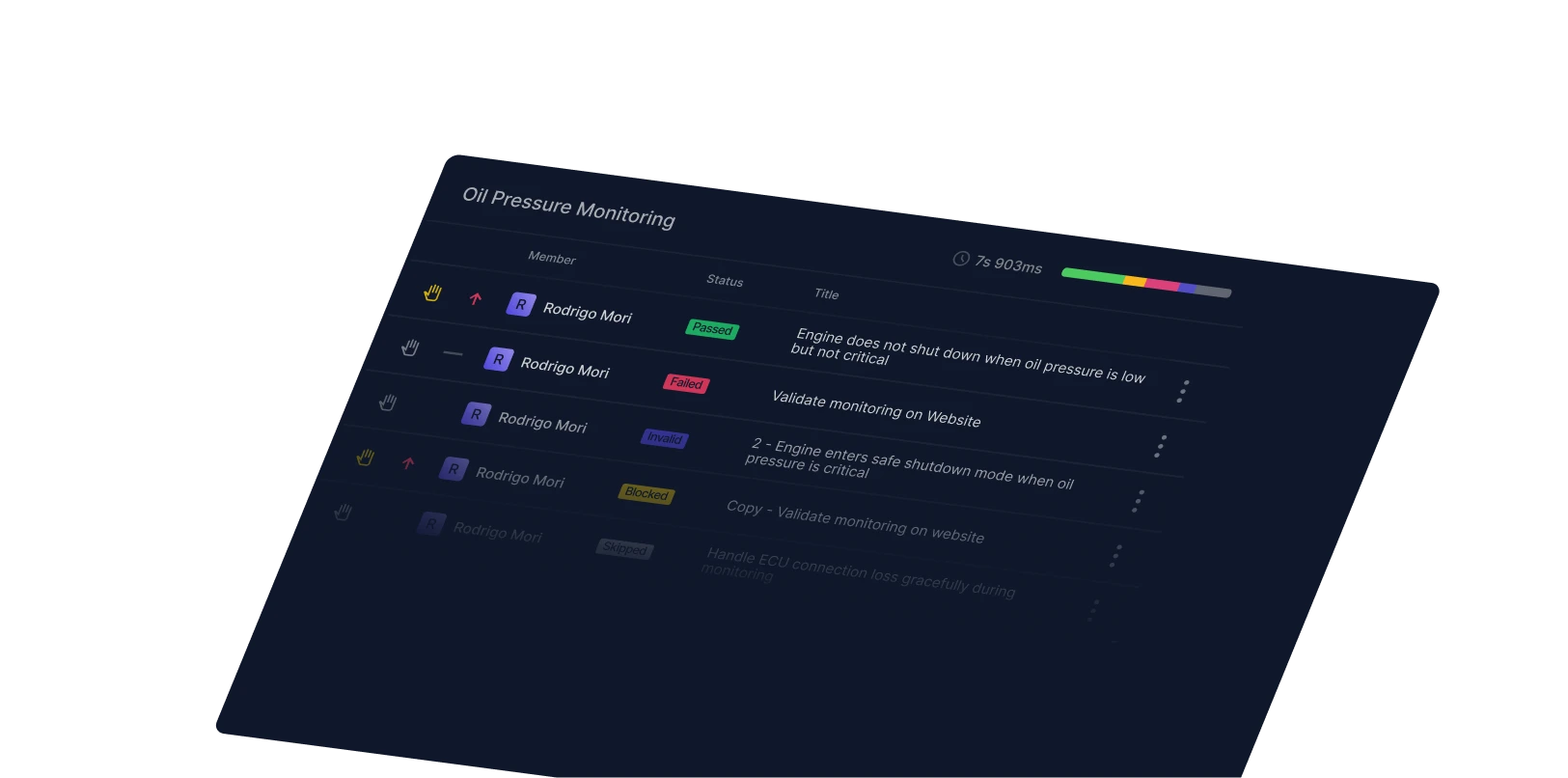
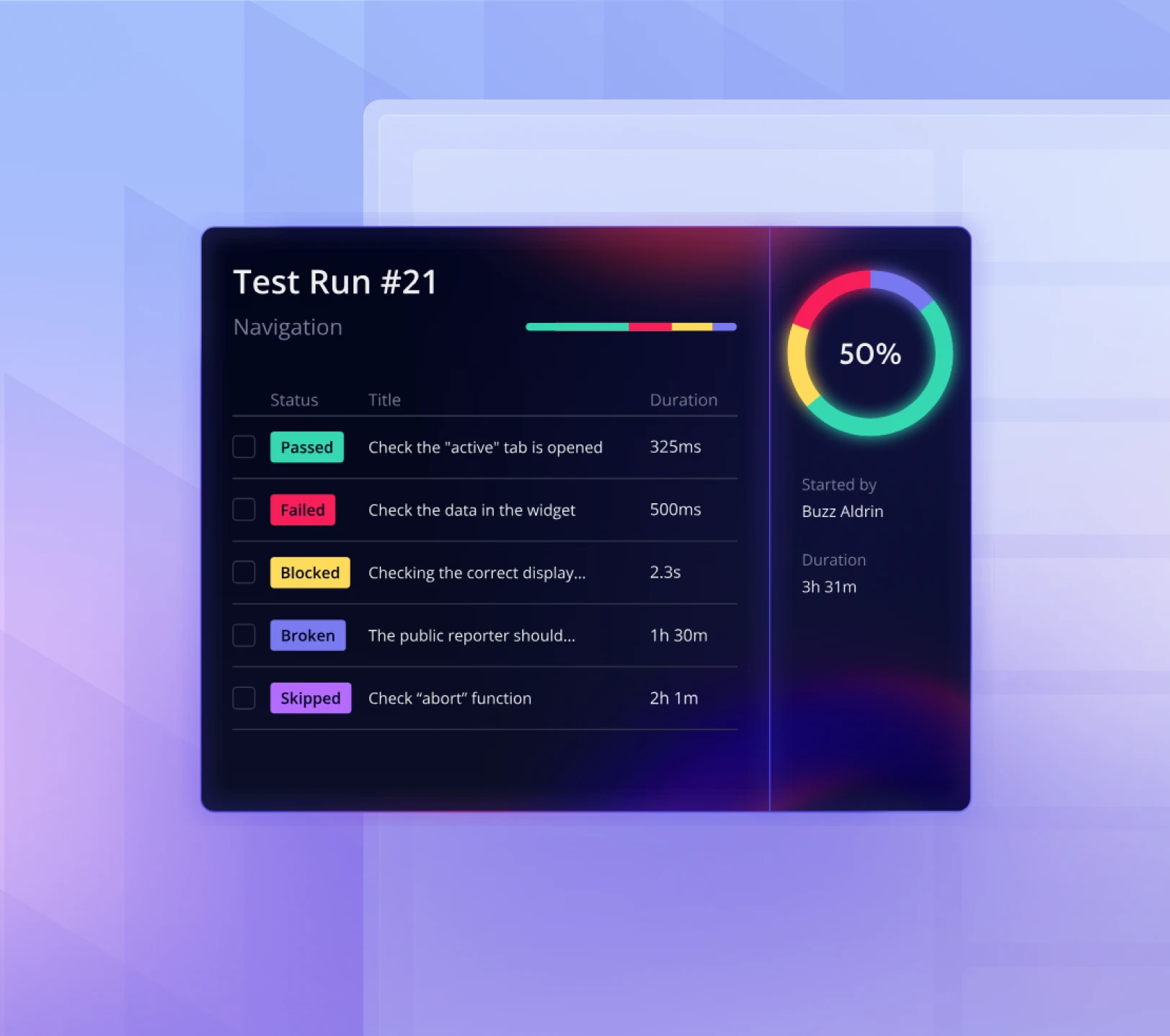
Monitor active test runs in real time. No exporting to a slide deck before every meeting.
QQL lets you query any entity in Qase: test cases, defects, runs, results, plans, and requirements. Filter by status, project, author, custom field, date range, or milestone. Pin results to dashboards as live tables.
All failed results in Sprint 12: entity = "result" and status = "failed" and milestone ~ "Sprint 12"
Critical open defects modified in the last 14 days: entity = "defect" and severity = "critical" and updated >= now("-14d")
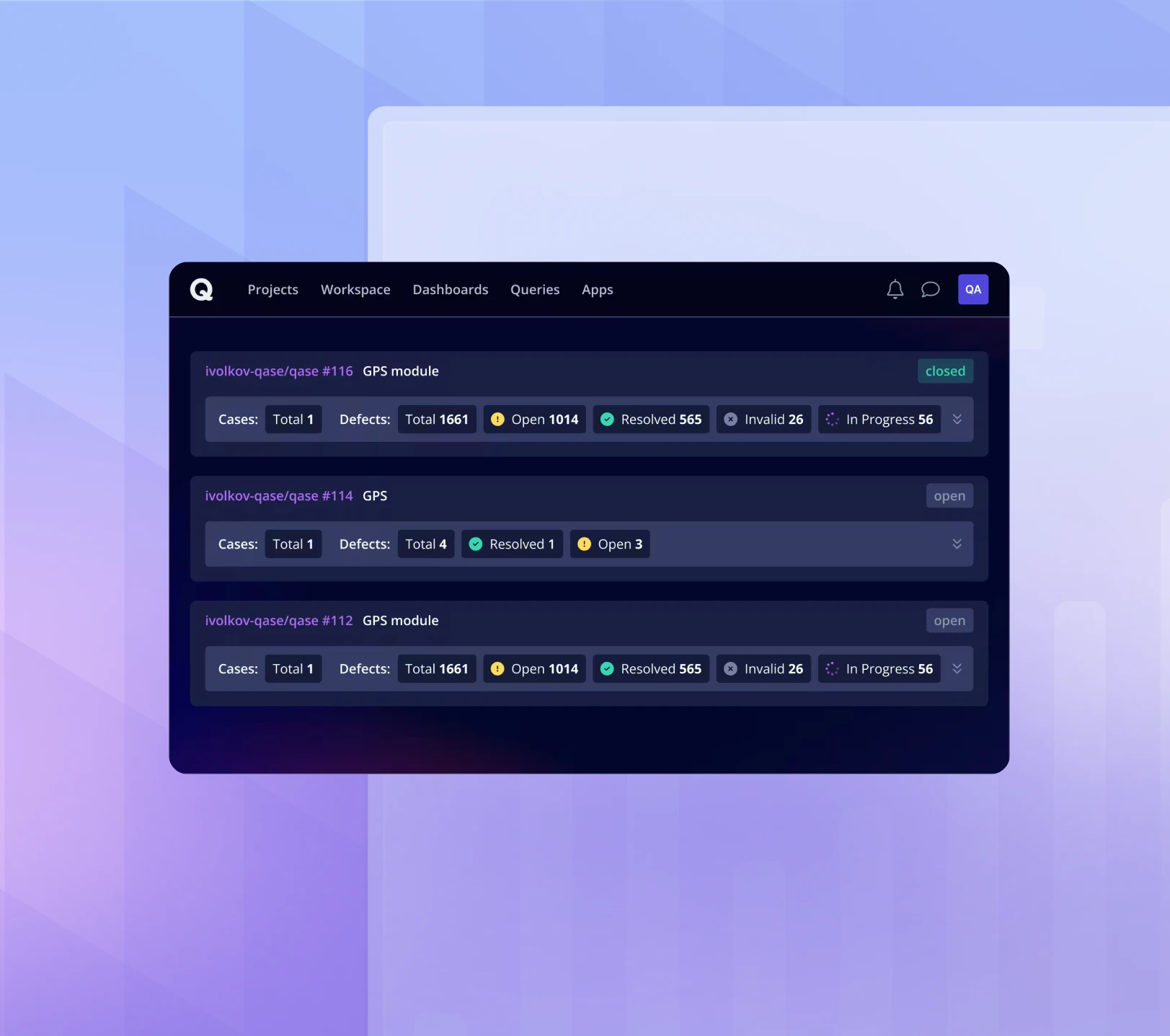
The Requirements Traceability Report maps test cases to requirements from Jira, GitHub, and GitLab. It shows which requirements have coverage, which don't, and the current test result for each.
Stale case detection flags requirements updated after their linked tests last ran.
Export as CSV for analysis or PDF for stakeholder review.
SUSE’s QA activity was a black box to anyone outside the immediate team. Leadership had no aggregate view of coverage or automation investment across Rancher’s cloud-native products. Engineering managers couldn’t prove quality.
“We had no requirements traceability, no requirement coverage. Automation velocity or manual vs. automated ratios across products were impossible to prove.”
SUSE built aggregate dashboards across all their cloud-native products, with per-product views for each team. Architects browse Qase for test history, and engineering managers track release readiness from data, not conversation.
“Testing is usually very opaque to anyone not in QA or development. The dashboards and metrics open a window into what teams are actually doing.”
5 widget types
Single value, timed value, distribution, time series, QQL table
Cross-project scope
All workspace projects, selected projects, or per-project views
Public sharing
Live dashboards via link, no account required
Saved queries
Pin any QQL query to a dashboard as a live table
QQL entities
Test case, test run, test result, test plan, defect, requirement
Requirements Traceability
Jira, GitHub, GitLab support with CSV and PDF export