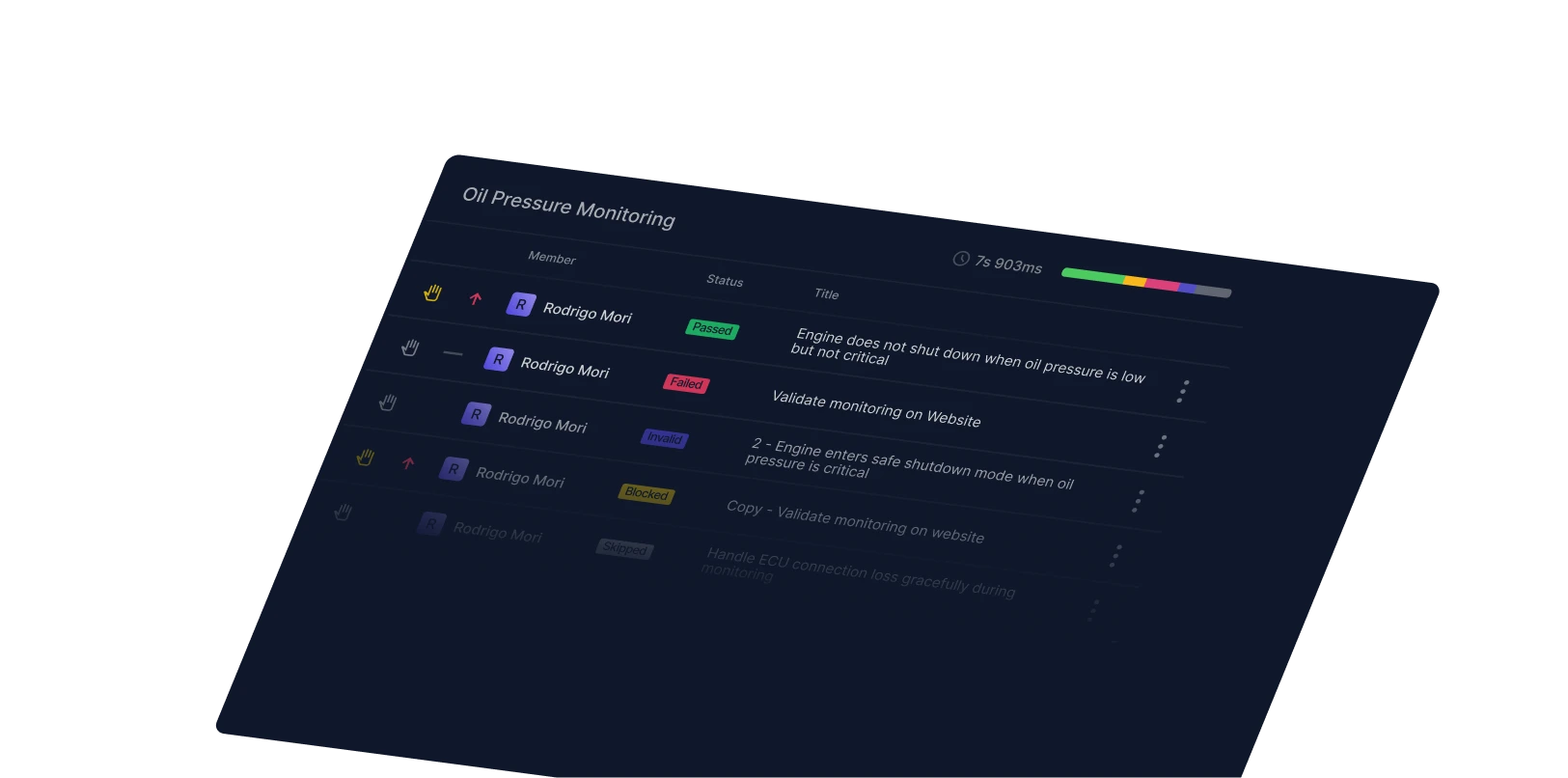
No traceability or coverage
AI agents generate tests in a black box — no link back to suites, runs, or coverage reporting, and no way for the team to coordinate on what's been tested.
No context switching. Qase MCP Server meets you where you already work.
npm install -g @qase/mcp-serverWorks with your tools
 Claude Desktop
 OpenAI Codex
 OpenCode
MCP closes the loop between AI-generated tests and the team responsible for shipping quality.
AI agents generate tests in a black box — no link back to suites, runs, or coverage reporting, and no way for the team to coordinate on what's been tested.
Enterprises need audit trails, role-based access, and approval workflows. Most AI test workflows have none of those.
AI-generated tests still need human review. Without organizational visibility, bad tests slip through and good ones get duplicated.
Qase MCP Server brings AI-driven testing into the same governance, traceability, and review surface your team already uses.
Tests created via MCP are stored in Qase with their suites, runs, and results — and exposed through 83 API tools so coverage stays connected to your work.
Role-based access, audit trails, milestones, and approval workflows apply to MCP-driven changes the same way they do everywhere else in Qase.
Every test, run, and defect created from an MCP client is visible in the Qase UI with full filtering and auditing — no shadow test suites.
A focused MCP surface that exposes the parts of Qase your AI assistant actually needs.
Create, update, and execute test cases and runs from your AI assistant. 83 tools at your fingertips.
Use Qase Query Language to filter test cases, defects, and results by any field — directly from your MCP client.
Create, resolve, and manage defects without leaving your coding environment.
Projects, suites, plans, milestones, environments, shared steps, custom fields — the whole surface, MCP-ready.
Create multiple test cases or results in a single call so AI workflows stay fast at scale.
Custom domain support, type-safe TypeScript implementation, and comprehensive validation out of the box.
From token to your first AI-driven Qase query — fast.
Generate a token in app.qase.io → Settings → API tokens.
Drop the Qase MCP config into Claude Desktop, Cursor, Claude Code, OpenAI Codex, or OpenCode.
Try "List all my Qase projects" — your MCP client will route it through Qase and respond inline.