“Qase interacts nicely with such tools as Trello.”
Integration
Link Qase Testing to Trello Boards
Connect test cases, test runs, and defects in Qase with Trello cards so Test Management and teams using Trello stay aligned.

Connect test cases, test runs, and defects in Qase with Trello cards so Test Management and teams using Trello stay aligned.








The Qase-Trello integration lets you attach test artifacts to Trello issues and create a new Trello issue when a defect is filed during a test run. This reduces context switching and brings QA outcomes into your team’s Trello workflow.
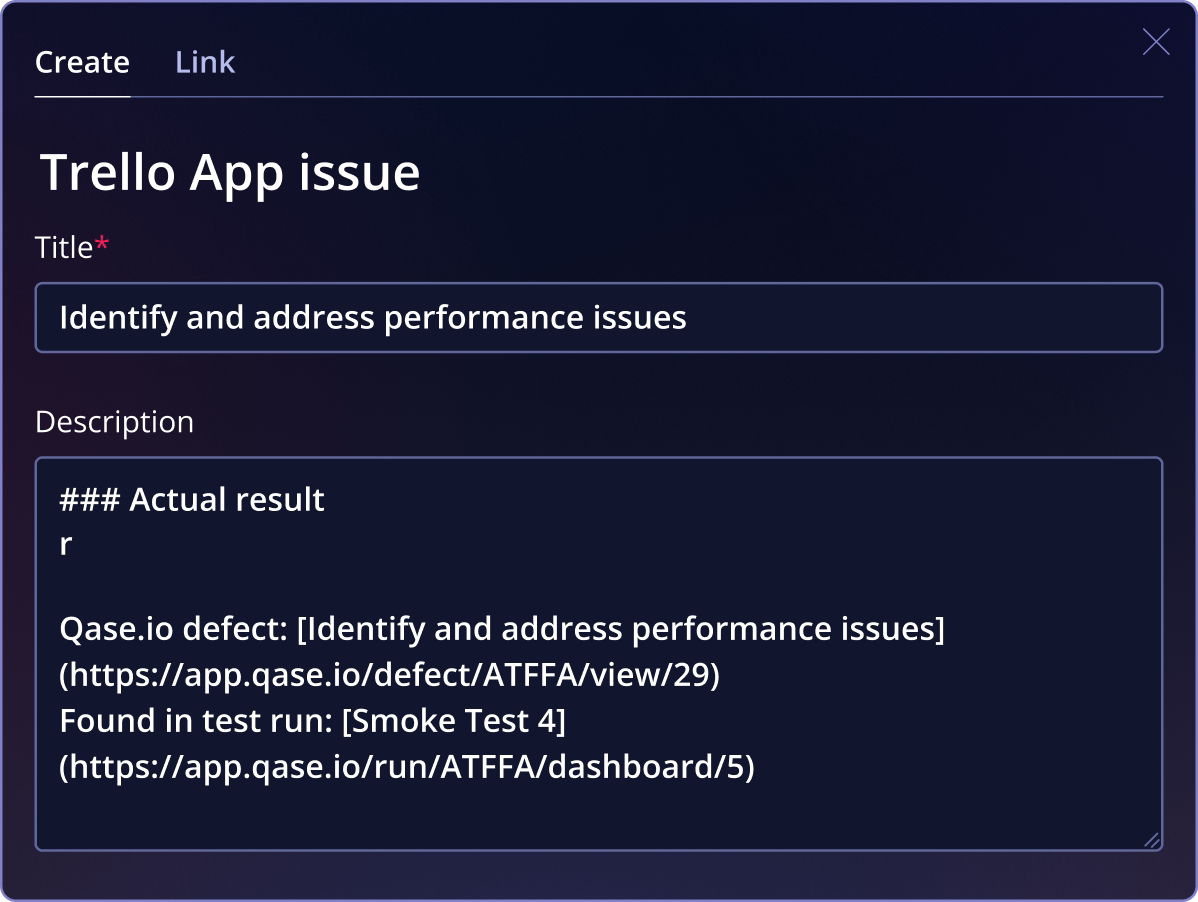
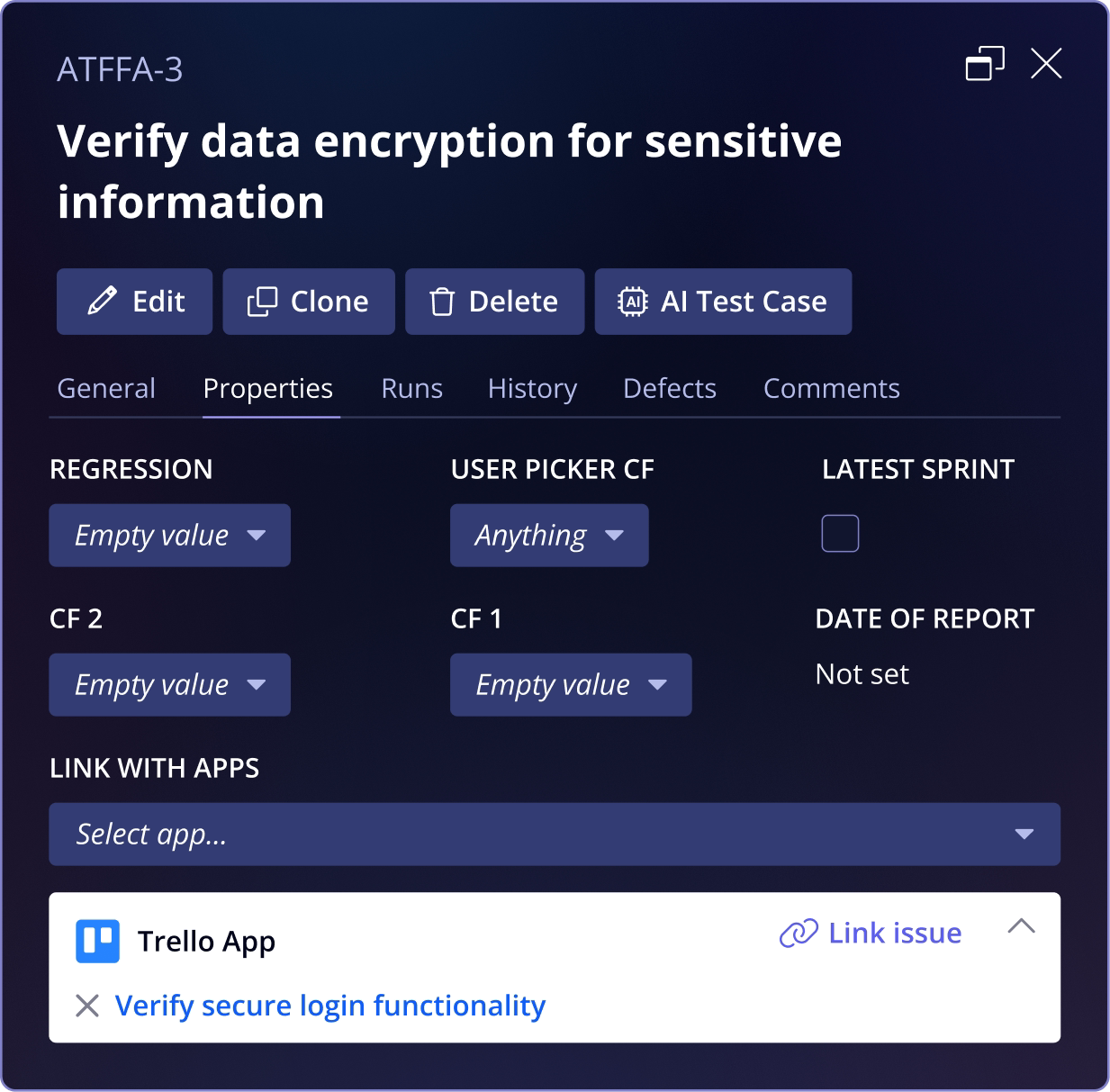
Connect testing artifacts to Trello workLink Qase test cases, test runs, and defects to Trello cards so quality information is visible alongside the work your team is already tracking.
Keep QA and delivery teams alignedBy connecting defects and test results directly to Trello, everyone involved shares the same context around quality, progress, and outstanding issues.
Maintain simple, flexible traceabilityAll links between Qase and Trello are easy to manage and update, giving teams clear visibility without adding automation or complexity that isn’t needed.
“Qase interacts nicely with such tools as Trello.”
“Great third-party integration with a bunch of vendors like Trello”
“Great third-party integration with a bunch of vendors like Trello”