“It allows us to integrate manual tests with automated tests seamlessly, and the UI is nice, making it easy to keep track of things.”
Kerim R.
View case study →Link Qase test artifacts with Monday items to align testing and product/project teams with shared context and visibility









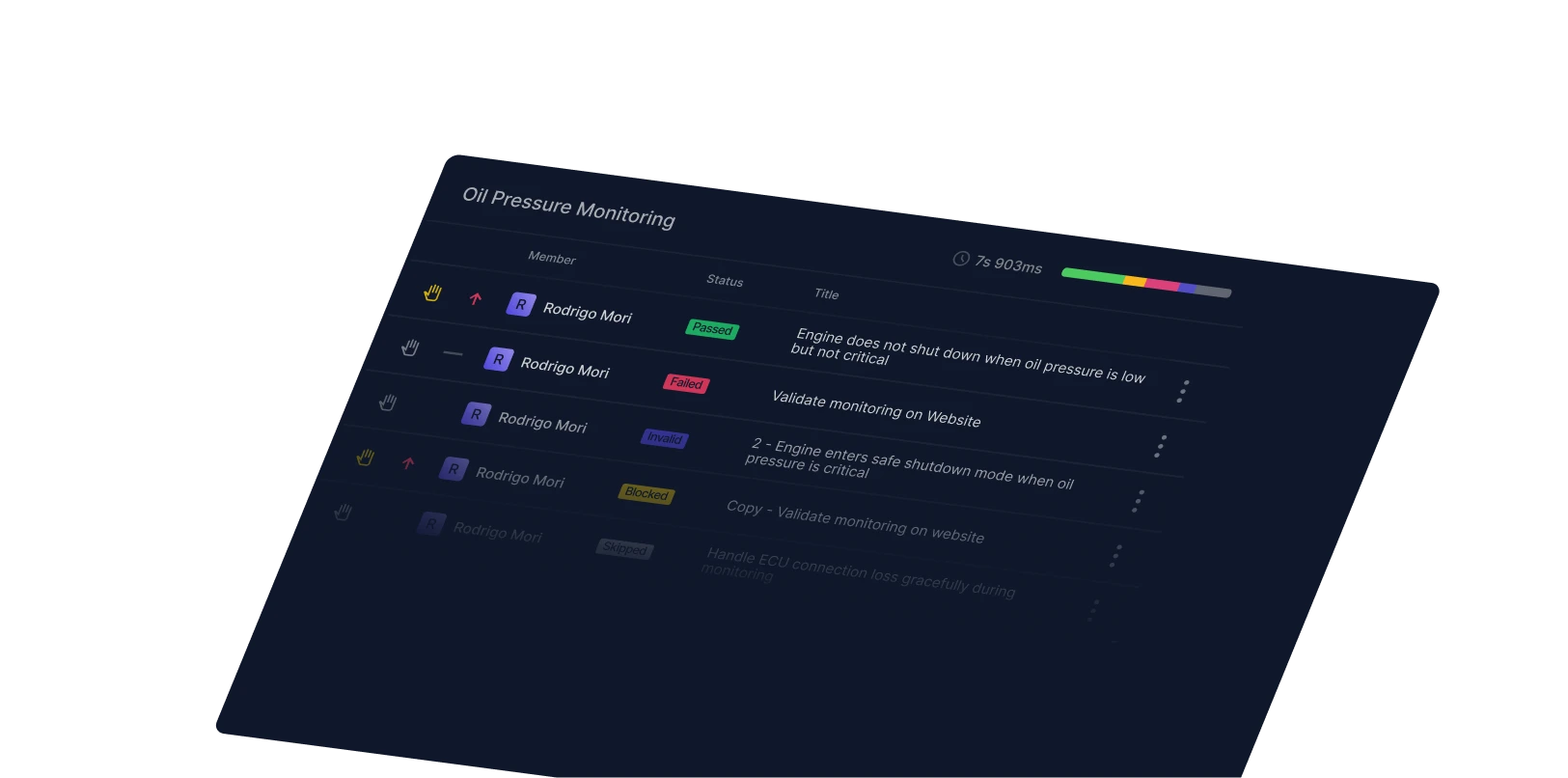
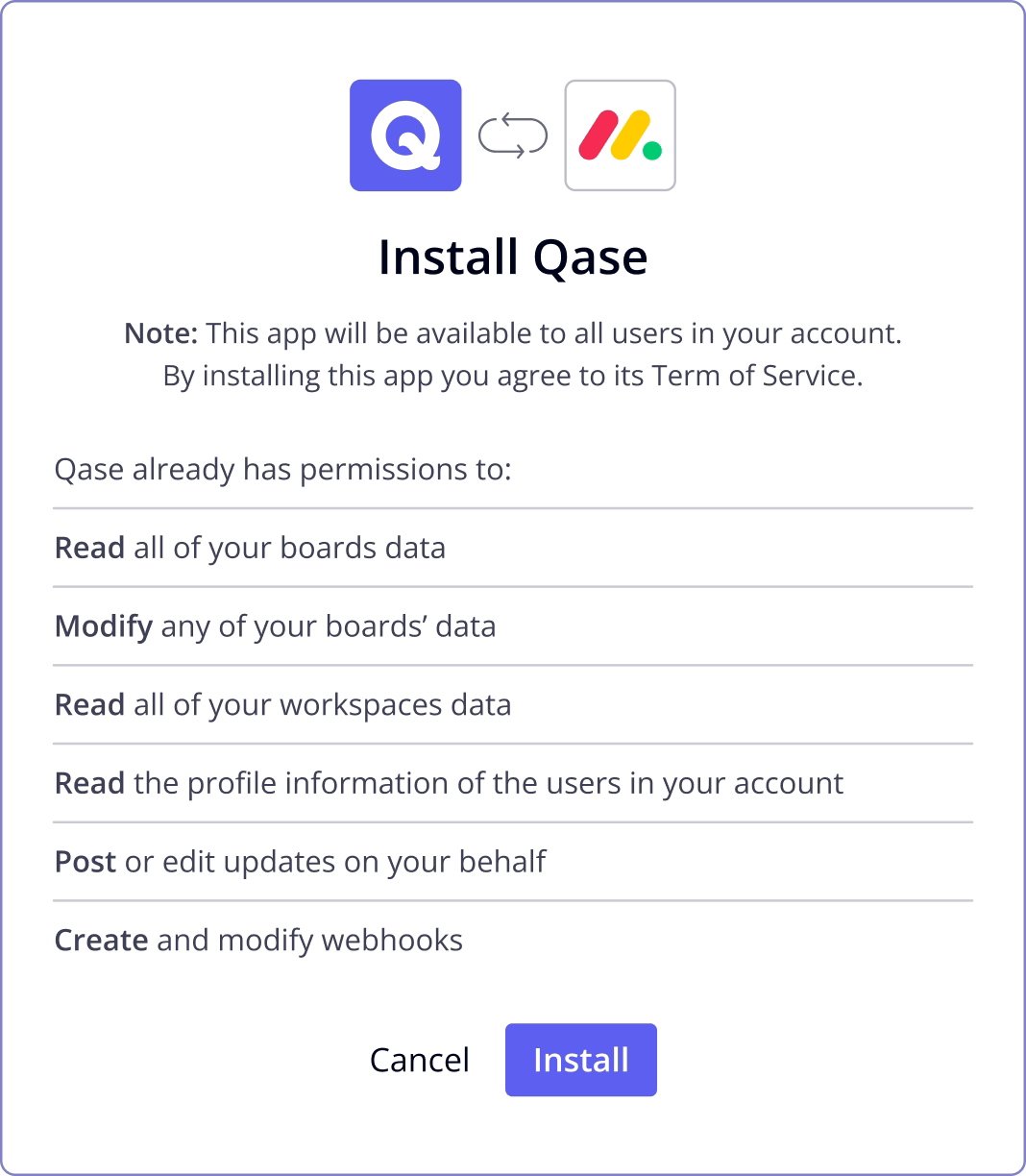
Qase’s Monday integration brings test management into your work OS so teams can see quality data in the same system where they plan and execute work. Link test cases, test runs, and defects to Monday items, create items from test failures, and configure status mappings so updates flow between systems, reducing manual status checks and improving cross-team alignment.
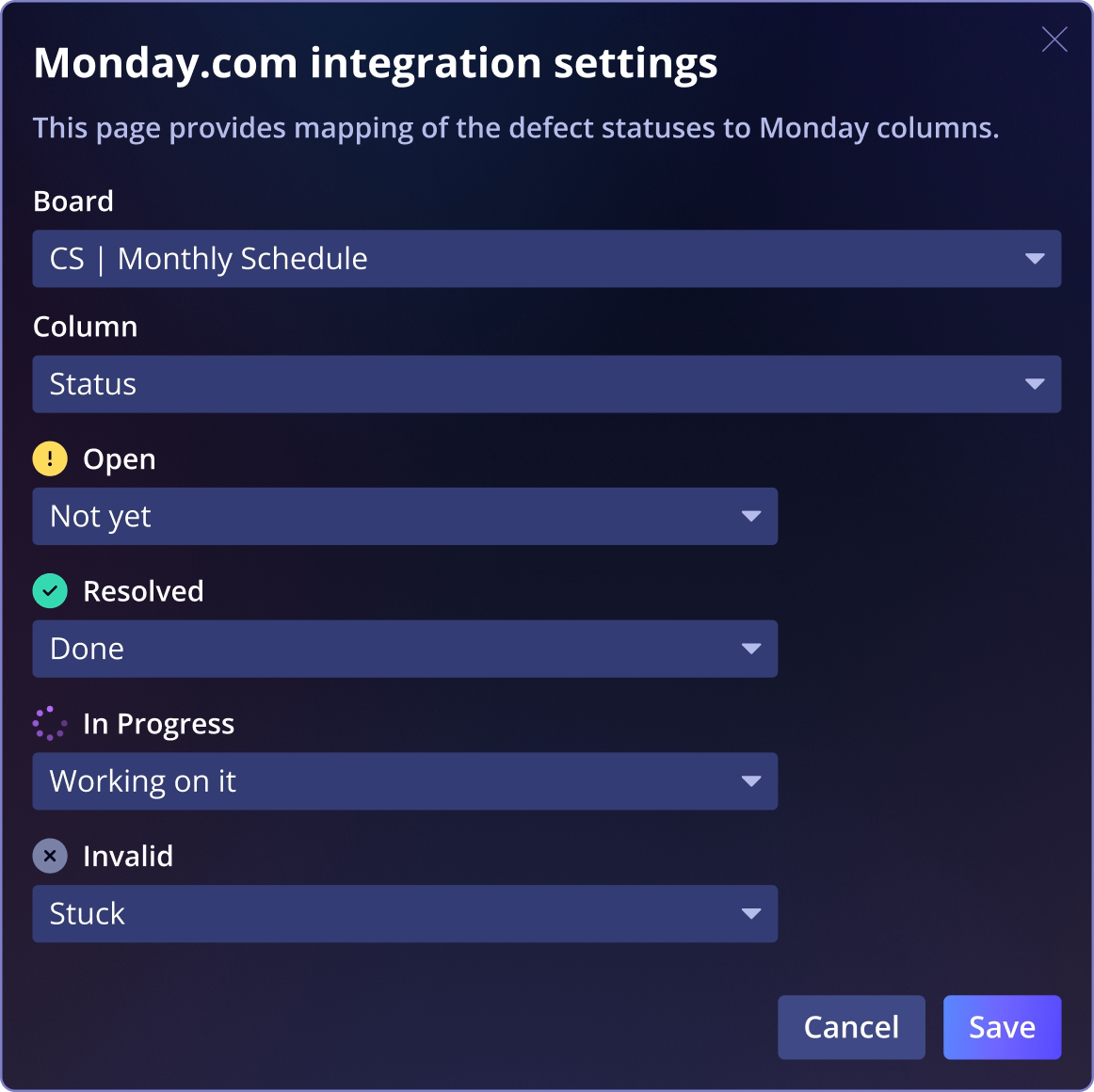
Link test cases, runs, and defects to Monday itemsConnect any Qase test case, test run, or defect with a Monday item so broader teams see quality artifacts alongside project tasks and work items.
Create Monday items from test outcomesWhen a test fails in a Qase run, you can create a new Monday item directly, keeping product and planning teams instantly aware of issues without switching tools.
“It allows us to integrate manual tests with automated tests seamlessly, and the UI is nice, making it easy to keep track of things.”
Kerim R.
View case study →“[Qase's] integration options making it simple to incorporate into current flows.”
“Great queries and dashboards for monitoring the quality efforts and great third-party integration with a bunch of vendors.”