“Defects automatically go into Jira, so our development teams don’t have to look at the test results or interact with Qase, the results simply integrate into their development workflow.”
Link test cases, test runs, and defects between Qase and Jira’s self-hosted platforms for unified test management and development workflows.









Qase’s Jira Server/Data Center plugin brings two-way connectivity to teams running Jira on-premises. Whether you’re managing issues or tracking defects, this integration keeps QA artifacts synchronized and visible across both systems, letting your teams work with confidence.
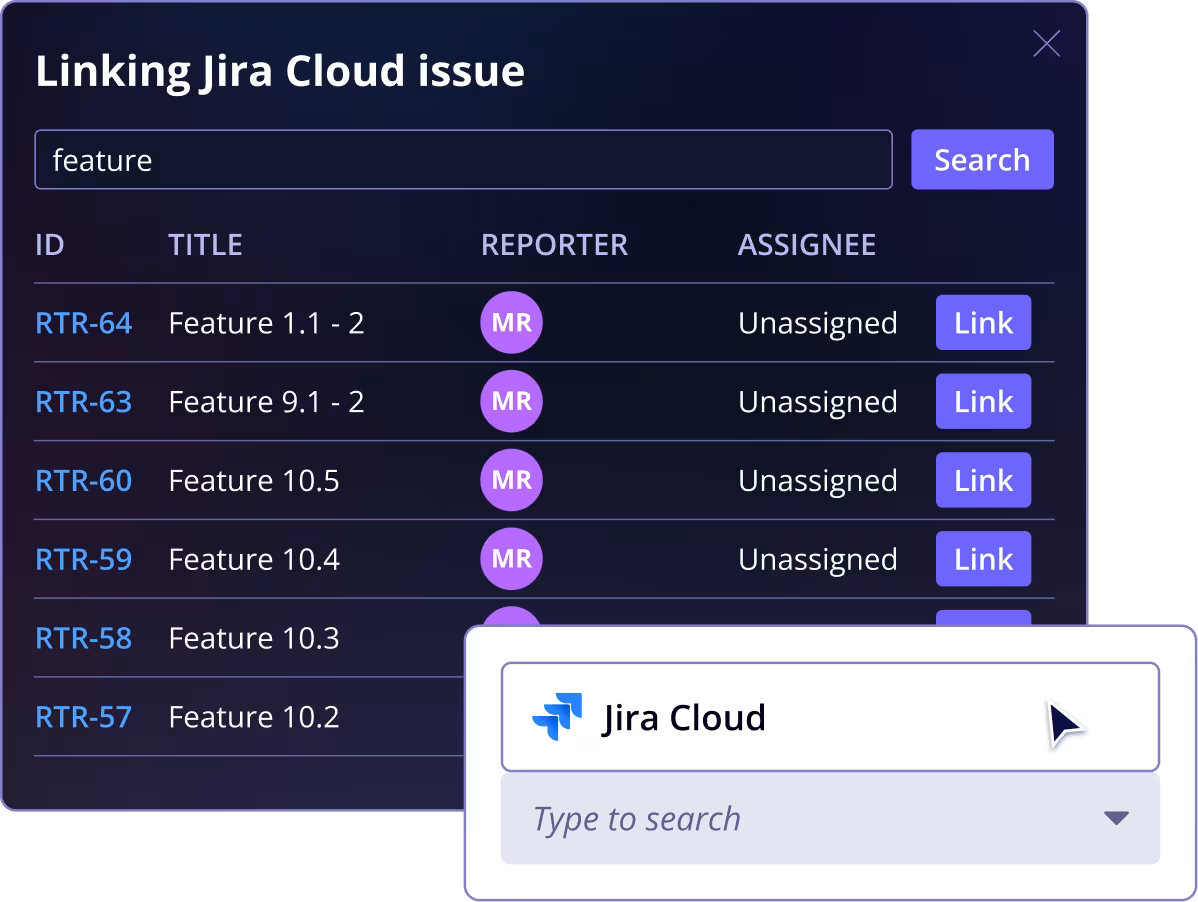
Automatic status synchronizationDefects in Qase automatically reflect the status of their linked Jira issues, and vice versa, so teams avoid outdated information and manual coordination.
Works with self-hosted environmentsBuilt for Jira Server and Jira Data Center, the plugin installs into your environment so testing and development can collaborate.
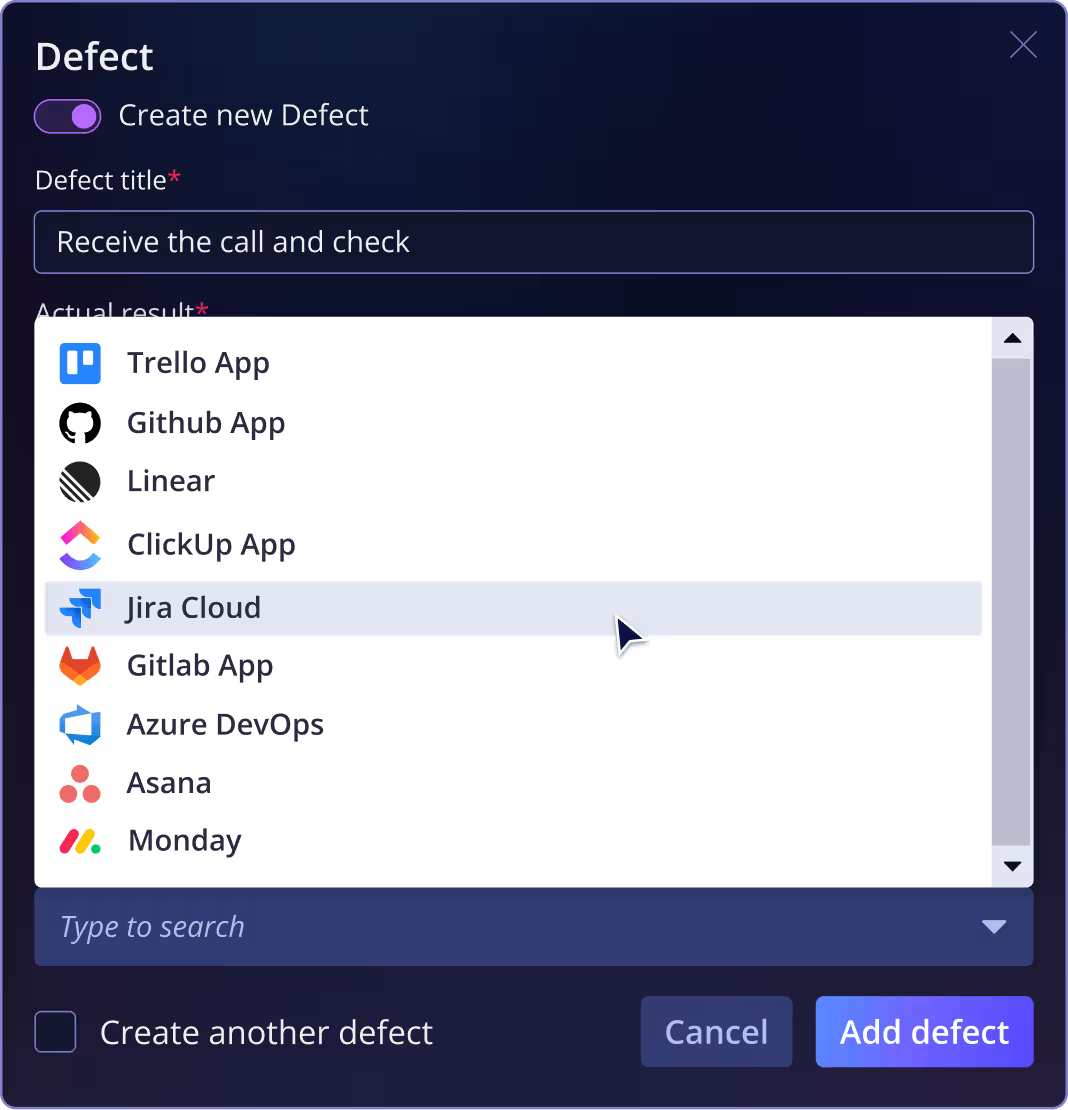
“Defects automatically go into Jira, so our development teams don’t have to look at the test results or interact with Qase, the results simply integrate into their development workflow.”

“Qase has revolutionized the way our team handles test management. This platform stands out with its intuitive interface, comprehensive features, and seamless integration capabilities.”

“Qase’s Jira integration has been transformative. It allows us to document and attach test scenarios or executions directly to Jira tickets, providing seamless visibility and communication between the testing and development teams.”