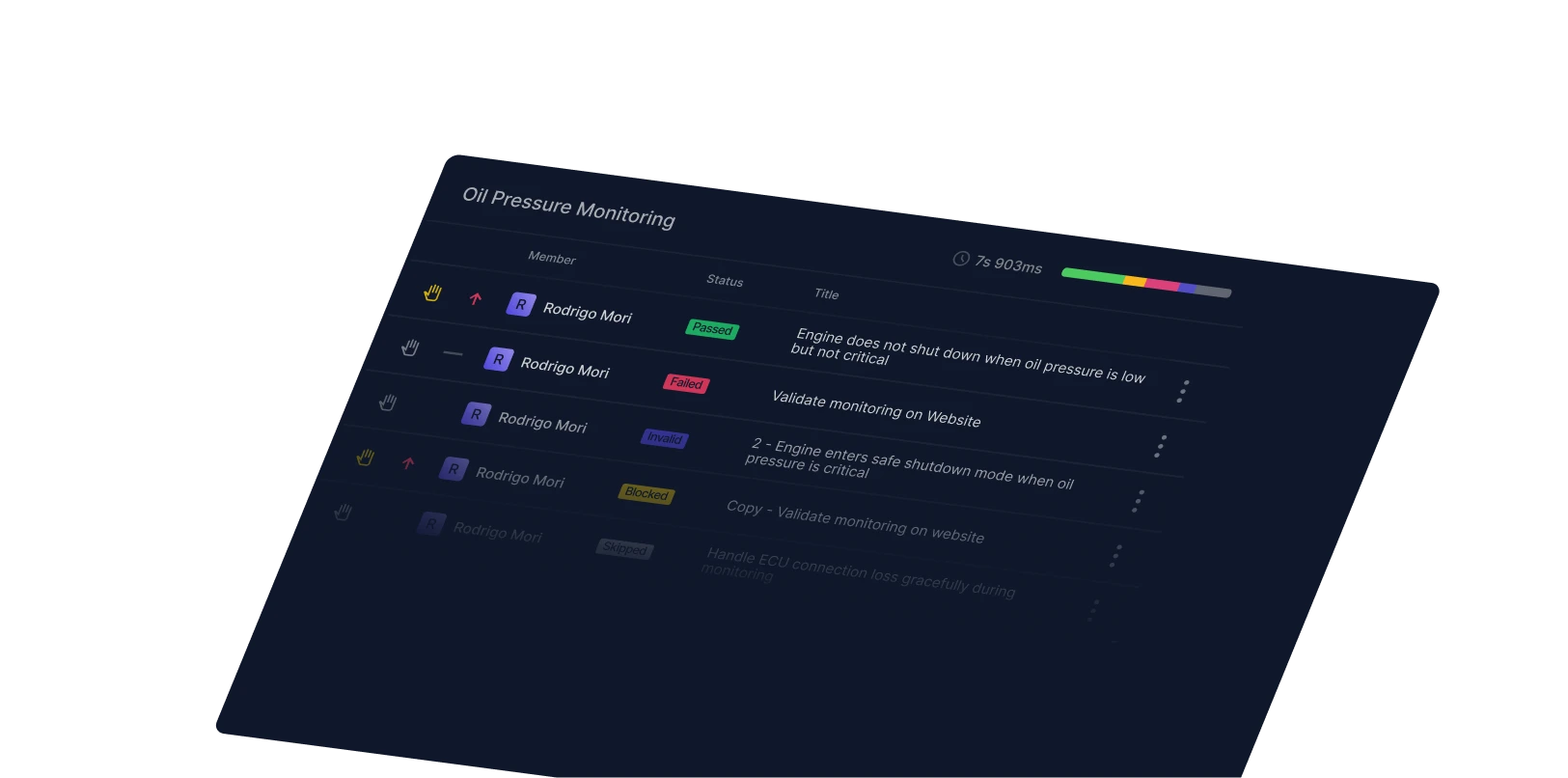
“Defects automatically go into Jira, so our development teams don’t have to look at the test results or interact with Qase, the results simply integrate into their development workflow.”
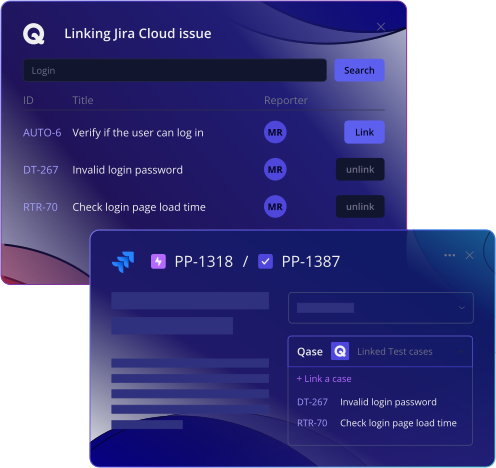
Eliminate out-of-sync QA and dev teams with Qase's bilateral Jira integration. Link and synchronize test cases, test runs, and defects between Qase and Jira in seconds.









Qase and Jira sync defects, requirements, and statuses automatically so QA and development teams stay aligned from the start. This makes it easier to trace every requirement, catch gaps early, and move faster toward release.Instead of juggling spreadsheets or manual updates, everything stays connected. When you need the full picture, you can generate a traceability report in Qase to confirm that requirements are covered and linked to test results.
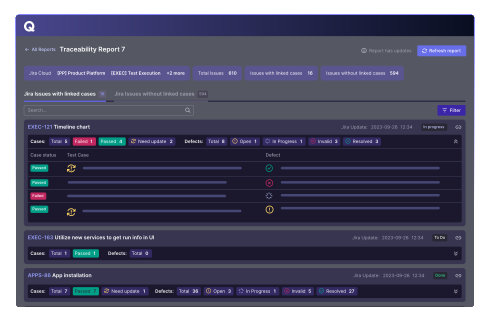
Improving QA Jira workflow and shifting left is easy with our Jira Requirements Traceability Report.
See requirements updates in real time
Identify the status for each requirement
Download or share with a full or read-only seat
“Defects automatically go into Jira, so our development teams don’t have to look at the test results or interact with Qase, the results simply integrate into their development workflow.”

“Qase has revolutionized the way our team handles test management. This platform stands out with its intuitive interface, comprehensive features, and seamless integration capabilities.”

“Qase’s Jira integration has been transformative. It allows us to document and attach test scenarios or executions directly to Jira tickets, providing seamless visibility and communication between the testing and development teams.”