Integration
A better GitLab integration for QA teams
Eliminate out-of-sync QA and dev teams with Qase's GitLab integration. Link and synchronize test cases, test runs, and defects between Qase and Jira in seconds.

Eliminate out-of-sync QA and dev teams with Qase's GitLab integration. Link and synchronize test cases, test runs, and defects between Qase and Jira in seconds.








Qase’s GitLab integration helps QA and development teams stay aligned from the first test to final release.Once configured, defects and issues can be synchronized between Qase and GitLab, so everyone sees the same status whether they’re testing or coding.Instead of copying links or juggling spreadsheets, testers can link test cases, runs, and defects directly to GitLab issues from inside Qase.You decide what to connect, Qase keeps it consistent from that point onward.
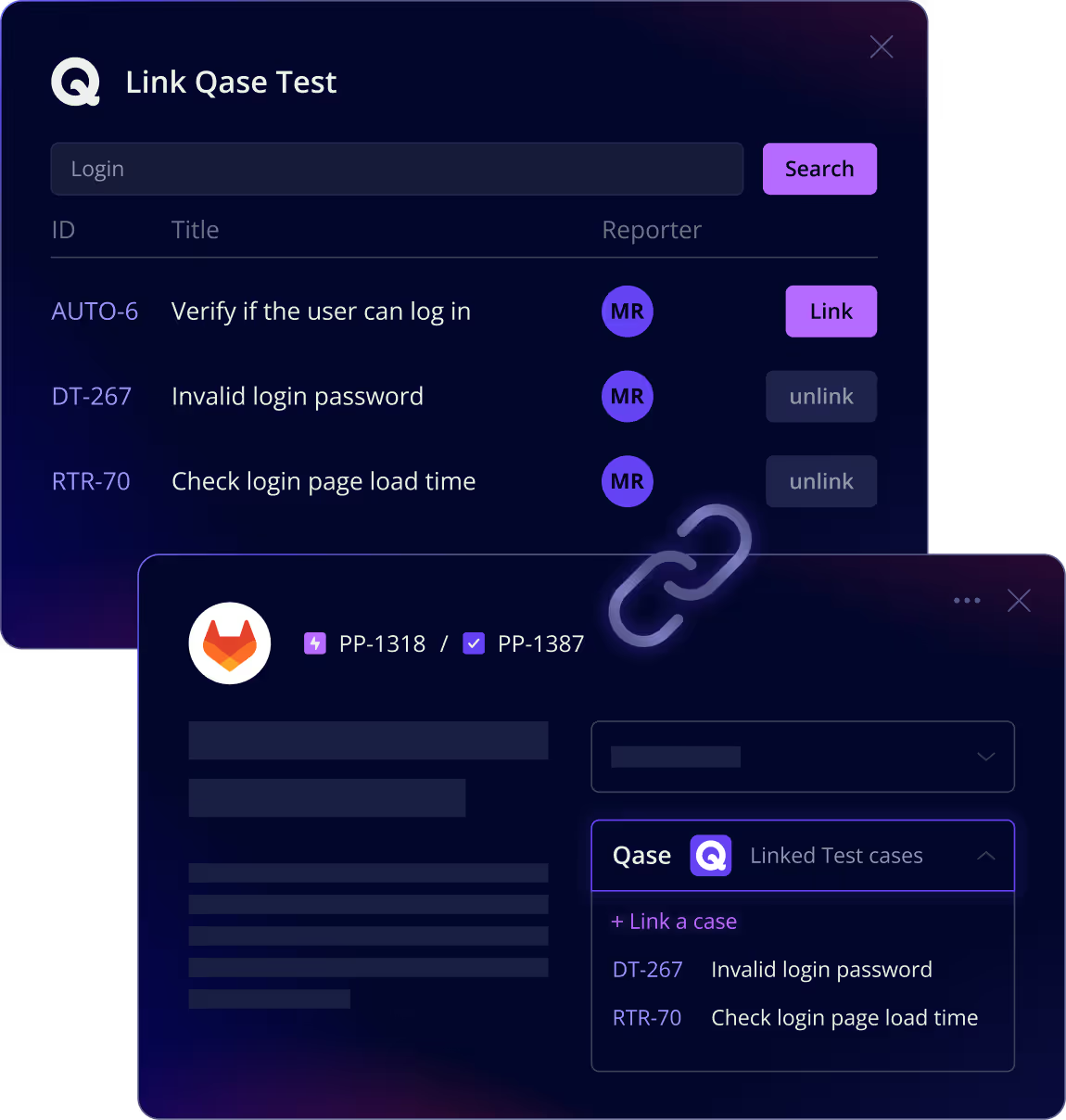
Keep all your QA activity connected to GitLab issues for clear visibility and consistent tracking.
Link test cases, test runs, and defects in Qase to existing GitLab issues.
Create new GitLab issues directly from Qase when a test fails.
Linked issues appear in both Qase and GitLab, keeping QA and Dev perfectly aligned.
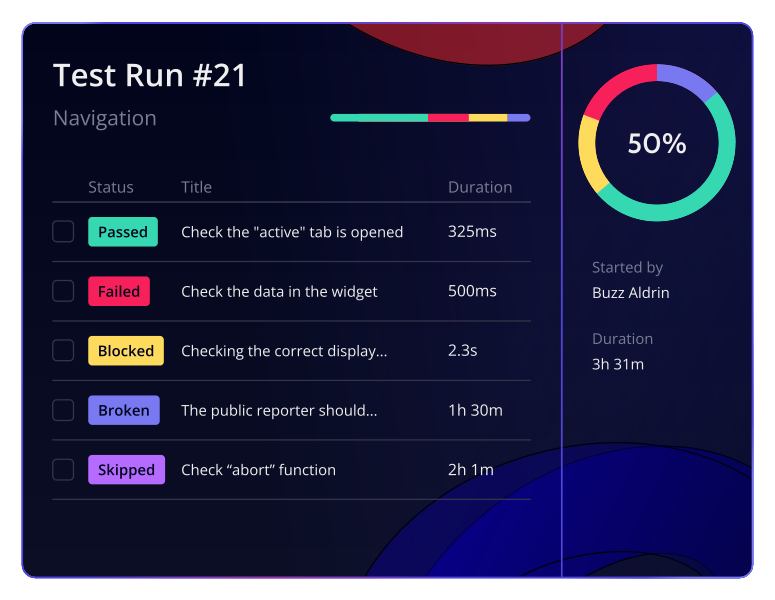
Unify manual and automated testing within one workflow.Qase connects directly to your GitLab pipelines, allowing you to trigger automated test runs from Qase and see their outcomes alongside your manual results. Once your GitLab build finishes, Qase automatically displays run results, timing, and status, giving QA teams a single space to review quality across every release.For teams already running continuous integration, it’s an easy way to extend GitLab’s automation with full-featured test management and reporting in Qase.