“Automation testing with smooth integration into Bitbucket”
Integration
Run Bitbucket Pipelines from Qase
Execute Bitbucket automated tests from within Qase and bring back CI results for unified test reporting.

Execute Bitbucket automated tests from within Qase and bring back CI results for unified test reporting.








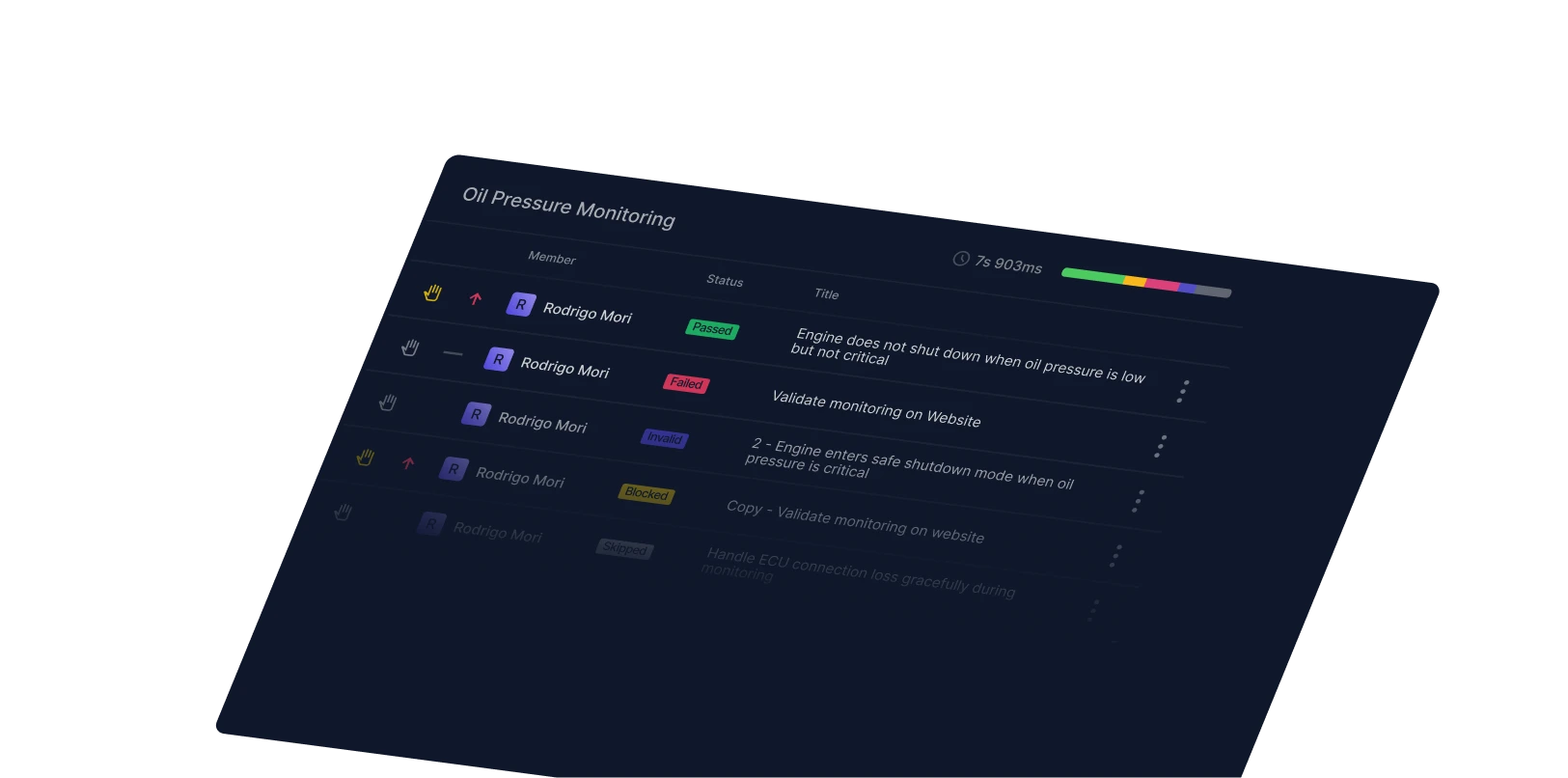
Qase’s Bitbucket integration lets teams trigger CI/CD pipelines hosted in Bitbucket without switching between tools. Start automated test runs from Qase, monitor pipeline progress, and collect results back into your test runs, giving you full visibility over both manual and automated quality efforts from one place.

Trigger CI pipelines from QaseStart Bitbucket automated test runs directly from a Qase test run. Choose your pipeline and execute without context-switching between tools.
Easy pipeline setupAfter connecting your Bitbucket repository and pipelines once, they appear in drop-downs for easy selection in future runs, no repeated configuration required.
“Automation testing with smooth integration into Bitbucket”
“[Qase] doesn't only provide linking to Jira but there are a whole lot of platforms, you name it. Jira, Git, Bitbucket…”
Nitin P. Small-Business
View case study →“Automation testing with smooth integration into Bitbucket”