QQL improvements
The power of QQL continues to grow: now you can search for any particular entity you want, whether it’s ‘plan’, ‘result’ or ‘requirement’:
More transparency for anyone
Dashboards and Test Plan URLs can now be shared publicly – a Qase user just shares the link and can send it to anyone to have a look at:
Bulk operations
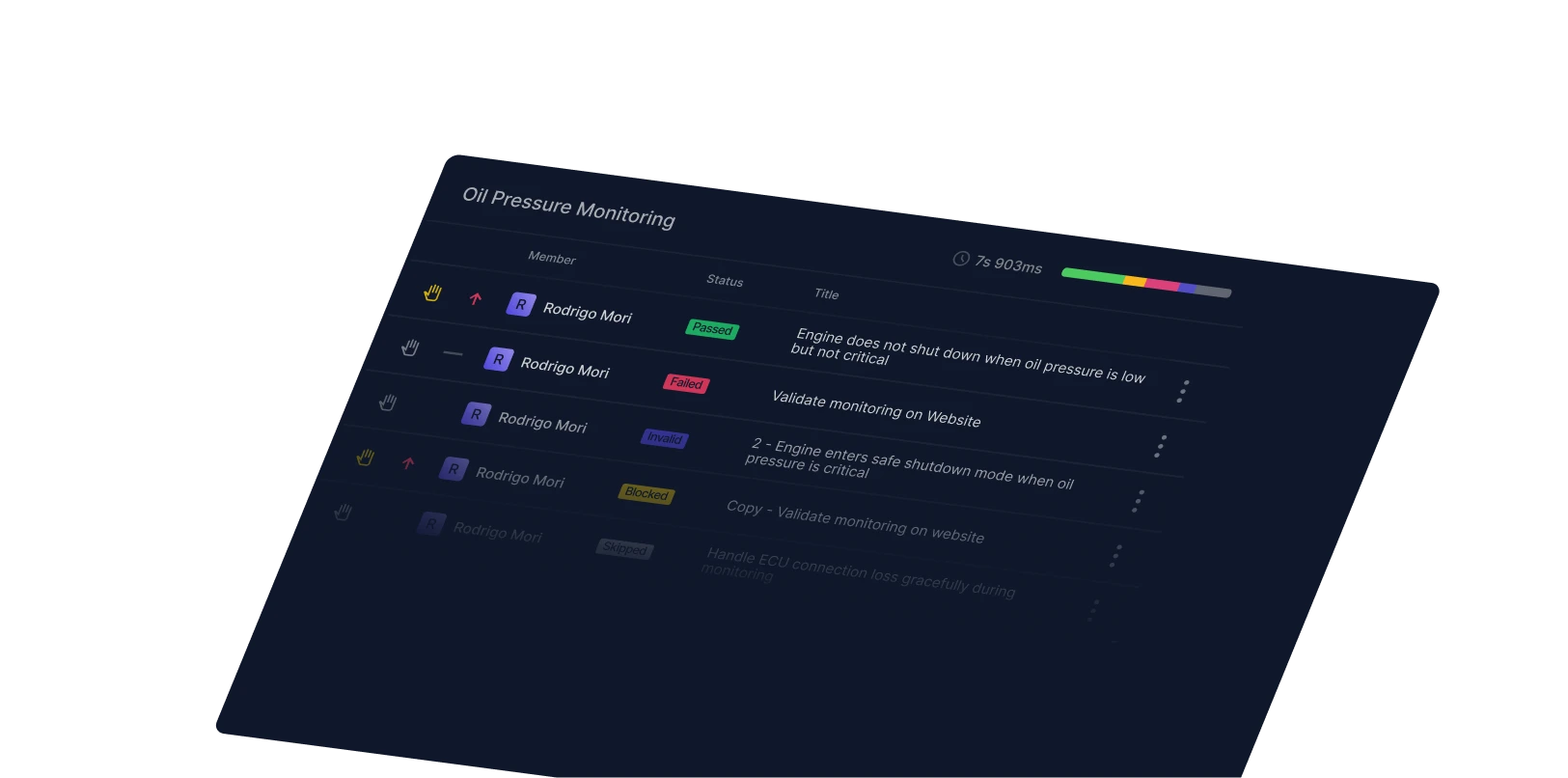
We have done a lot of work on making our product even easier to use with bulk updates: the test run wizard now allows multiple updates to cases in bulk:
Misc changes
- The Test Plan View page both allows users to view any test cases used in their plan and also shows test runs:
- When a Qase defect is created or deleted, a corresponding Jira issue is created or deleted; when creating the Qase defect, any of the required Jira fields are filled in;
- We now offer better support of TestRail XML importing: from now on, users will find that description, automation status, and case statuses are also imported;
- We have added a way to assign a defect to a certain employee:
- We have added "Checkbox" to the text fields’ editor so that now it’s possible to use test cases as checklists instead of writing out a full scenario step-by-step:
- We now show suite description, severity, and priority for cases in the test run wizard: