Features
A new modal window for creating/editing test runs.
The interface looks new, simple, and more convenient.
0:00/1×
Reporter apps
You can now install the autotest reporter from the application page.
You can get all the information about the reporters here: https://help.qase.io/en/collections/3564516-apps
The created token allows you to execute test cases on behalf of the reporter. You can now skip using a personal token or another user page in the config file. Example of how it works:
P.S. integration with BitBucket is expected soon
Improvements
Automated icons
For better recognition of automated test cases, we added the "Automated" icon to the test run:
And to the test plan:
Filtering test cases in the test case automation test plan
On request from users, we added the ability to filter test cases by automation in the test plan.
Autosave case editing status
Now, when closing the modal window in edit mode, the user can continue working with the test case without losing data.
0:00/1×
More information on attachments
A preview of the attachment is shown.
When you hover your cursor over an attachment, it displays information about it: the name and size of the attachment.
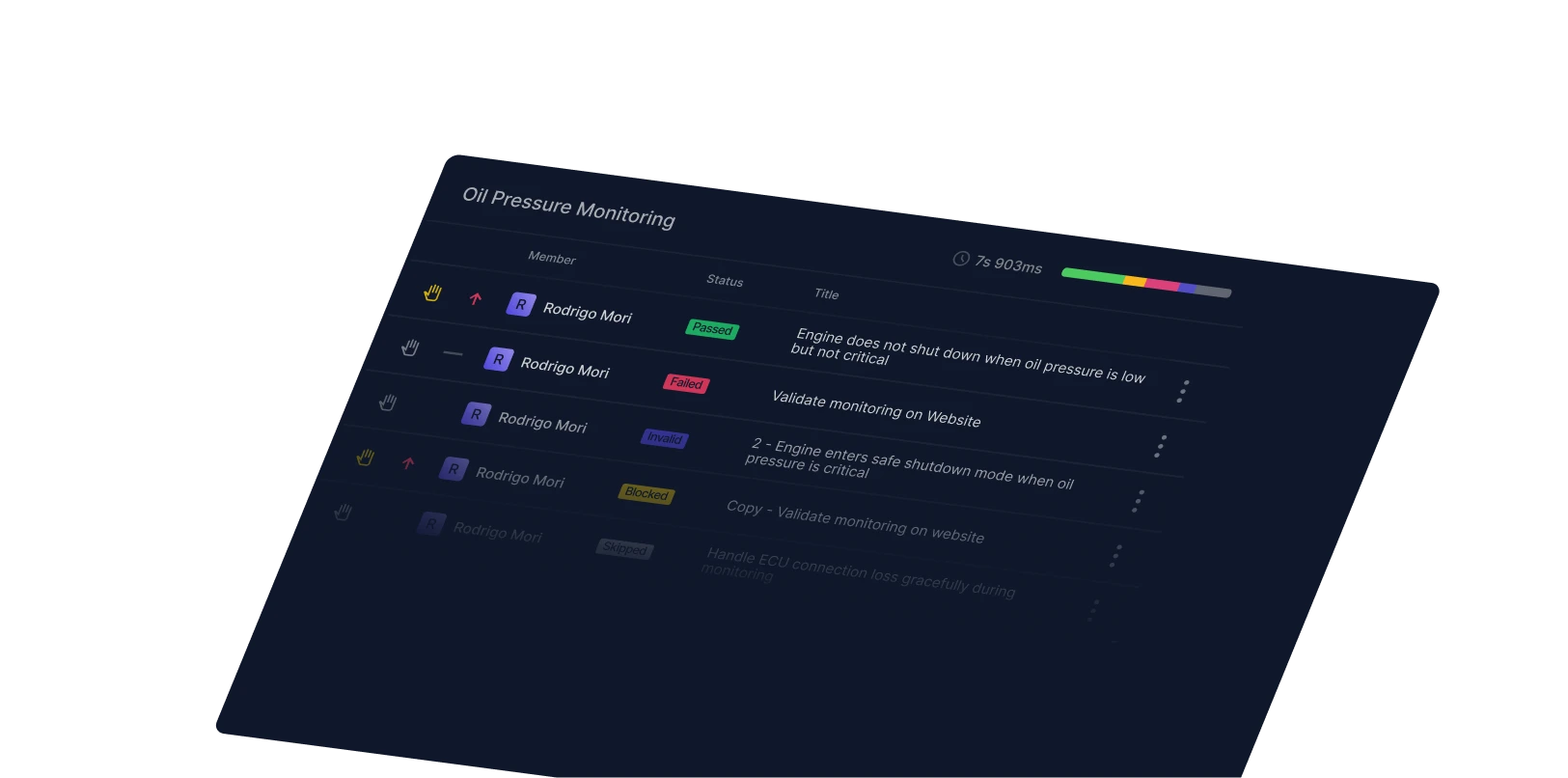
Displaying the test run time in milliseconds
We have added a time display in milliseconds to the test run.
Displaying a team member's name on the run test page
By request from users, we have added a display of the team member's name in the test runs to the user icon.